Multi material layered maps
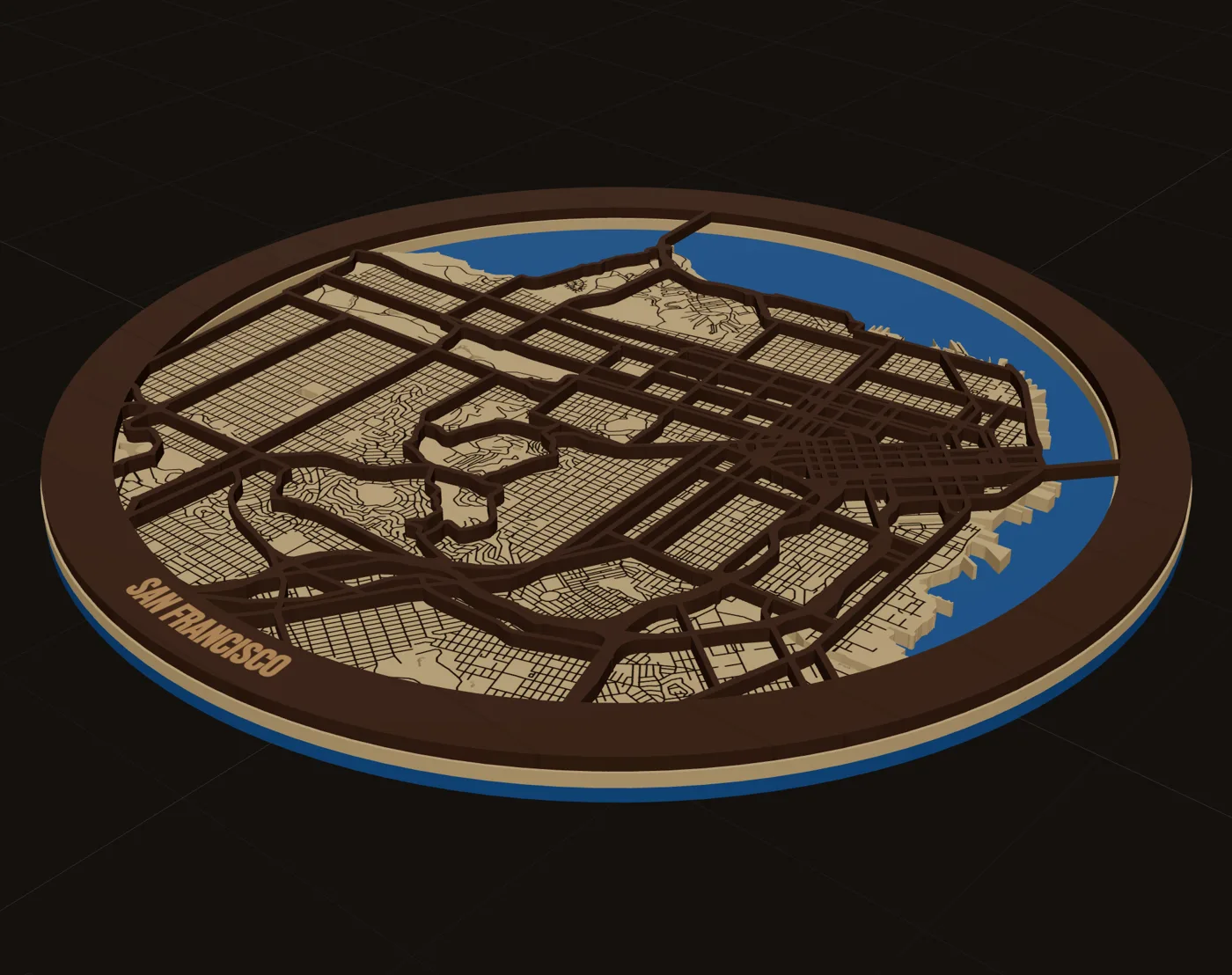
A multi material layered map is where a map stops looking like a craft project. Blue acrylic water under maple land under walnut streets. In MappSmith every layer is its own physical sheet with its own material and thickness, and the 3D preview shows the real stack before you cut anything.
7 days free, then $12 a month. Cancel anytime. Or 10 maps for $10.
- Material per layer
- Woods and acrylics
- Thickness
- 0.5 to 50 mm per layer
- Bodies
- Solid, pieces only, frame only
- Preview
- Assemble, Exploded, Welded
- Files
- One per layer, named by material
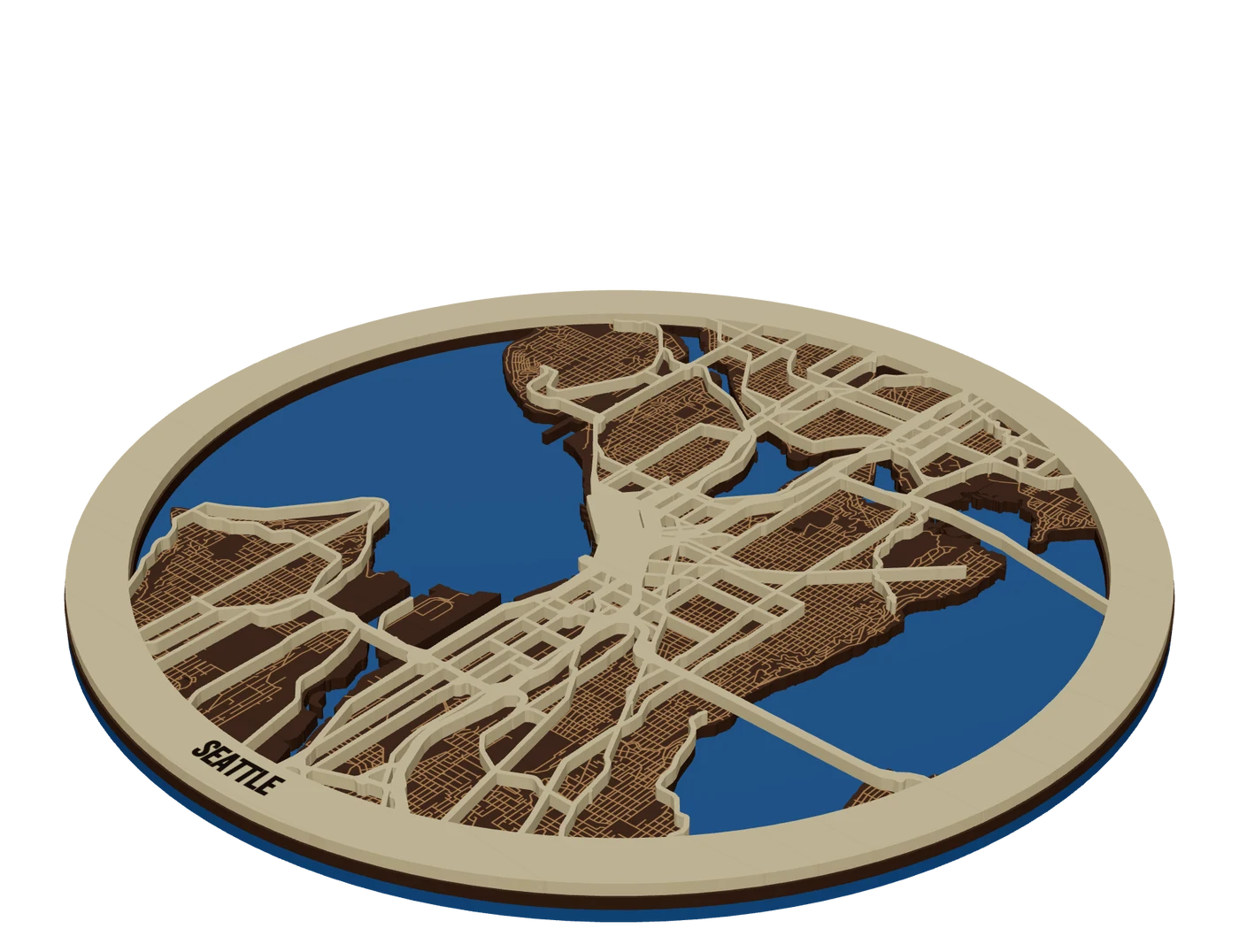
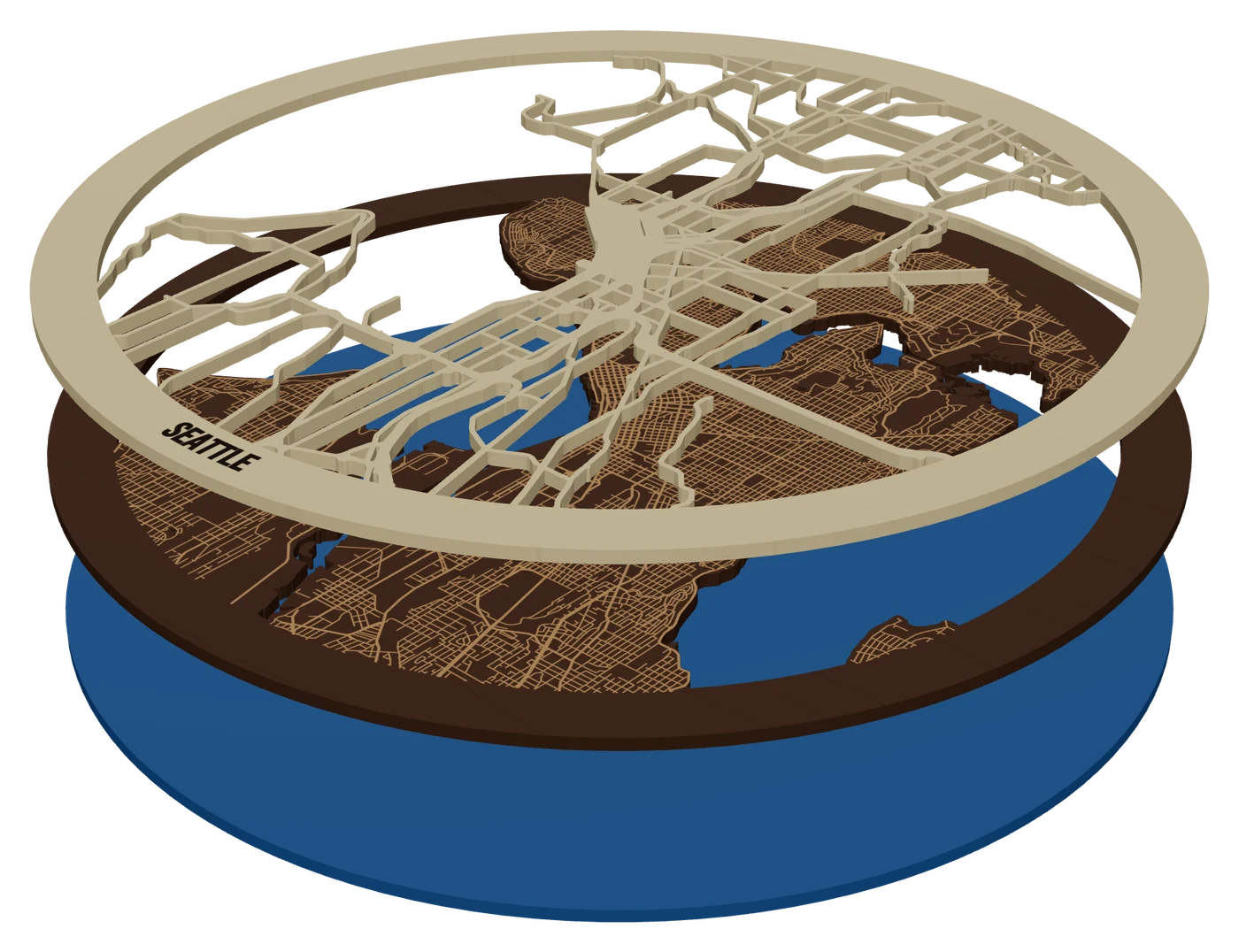
The layers, top to bottom
- StreetsWalnutPieces only, held by the frame band
- LandMapleSolid, water cut out, local streets engraved
- WaterBlue acrylicSolid base, seen only through the land holes
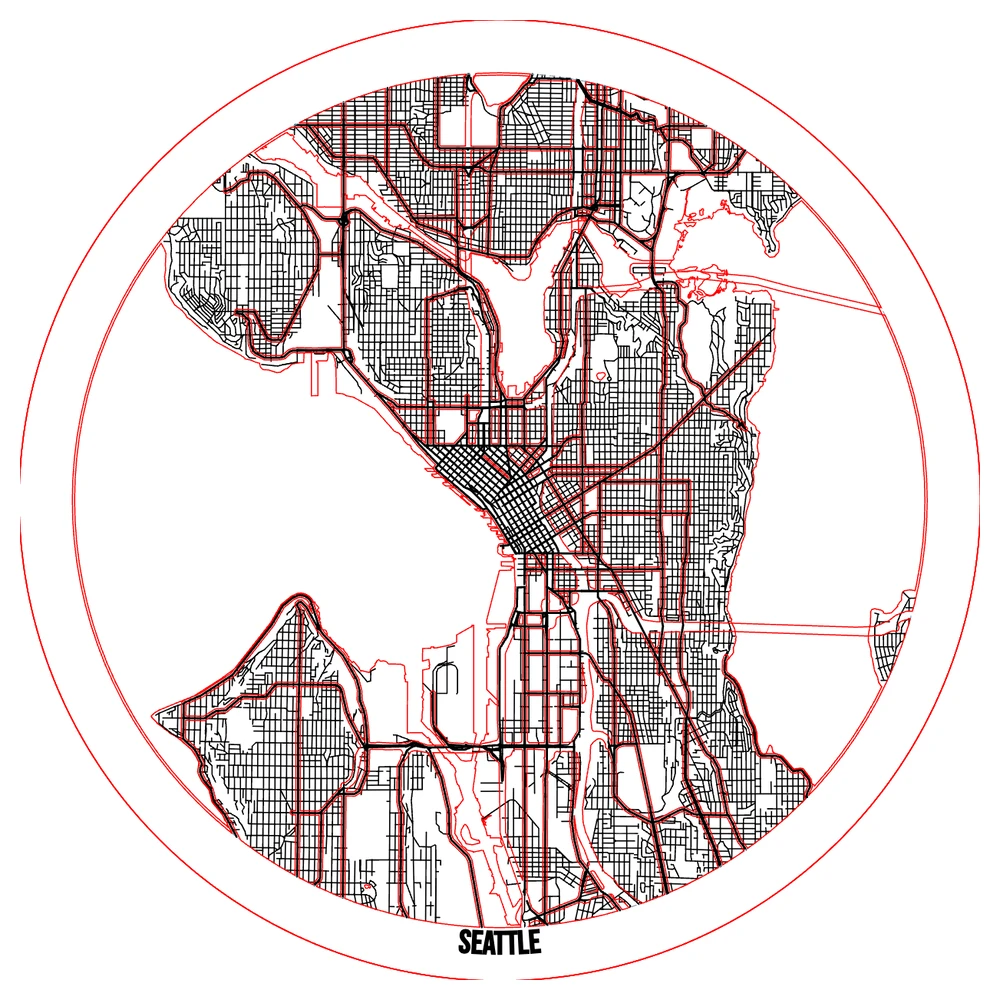
Pick a material for each layer
Open a layer's Material tab, pick the material and type its thickness in mm (0.5 to 50). The material name is written into the file names in your download, so the walnut file never ends up on the birch. In the 3D preview you can try woods like birch, maple, oak, cherry and walnut, and colored acrylics, and adjust sheen, grain and shade. Those looks only change the preview, never the files.
| Pairing | Why it works |
|---|---|
| Blue acrylic water + light wood land | The classic. Water pops, no painting |
| Maple front + cherry backer | Contrast from wood alone, used on a parametric house ornament |
| Maple top layers + cheap ply below | Spend on what shows, as one Lake Murray map did |
| Walnut streets + birch land | Dark lines on light reads like a printed map |
Solid layers, empty layers, and water through holes
The trick in every stacked map is that each layer is mostly about what you take away. Water layers are solid. The land layer is solid with the water cut out, so the layer below shows through. The top street layer is "pieces only": just the streets, welded to a frame band so they hold together.
- Solid plate: the whole sheet, with shapes cut or engraved into it.
- Pieces only: just the shapes, held by the band. Needs a band or a name bar crossing the pieces.
- Frame only: the band with the middle removed. A clean edge for a deep stack.
Plan the thickness of a multi material layered map
Add up the layers before you promise a frame depth. Three 3 mm layers make a 9 mm stack (our math). A 12-layer lake or terrain relief at 3 mm is 36 mm, which needs a shadow box, not a picture frame. The Terrain & Depth panel shows stack height as you change layers and sheet thickness.
Acrylic and plywood labeled 3 mm are rarely exactly 3 mm. Measure your stock and type the real number. It keeps the 3D preview honest and helps you order frames.
Glue and alignment
- Dry-stack firstEvery layer in order, no glue. Fix problems now.
- Use glue guides or keysMappSmith can score where the next layer sits. Makers also use built-in keys, etched outlines of the next layer, or dowel holes to stop rotation.
- Glue thinThick CA in dots on wide intersections and the frame, or yellow wood glue brushed on the back away from cutouts.
- Weight, don’t crushWeights with wax paper. Clamps squeeze out more glue than you think.
Want a light? Edge-lit acrylic is engraved on the back with the design mirrored and set in a cheap LED base. It pairs well with a wood street layer in front.
Proof the stack in 3D before you cut
Mixed materials are where mistakes get expensive. A walnut sheet cut wrong is real money. Use the 3D preview to catch problems on screen, before any stock is on the bed:
- Assemble shows the stack glued up, in the materials you picked.
- Exploded lifts the layers apart. Choose Straight, Fan or Steps and set the gap. This is the view that sells a layered map to a customer.
- Welded shows pieces joined the way the export cuts them, and warns if any piece is attached to nothing.
- This sheet at the top of each layer shows that one layer exactly as it comes off the machine.
Then save a picture from the 3D view and send it as the proof. When the customer says yes, the files match what they approved, because the preview and the download come from the same layers.
Questions makers ask
Can I mix wood and acrylic in one map?
Yes. Each layer has its own material and thickness, and each comes out as its own file named with that material.
Does the 3D preview change my files?
No. Sheen, grain, shade and colors only change how the preview looks. Material name and thickness do carry into the download.
How do I keep layers aligned?
Turn on glue guides, dry-stack, and glue one layer at a time. Keys, etched outlines or dowel holes help on big pieces.
Why does my street layer need a frame band?
On a pieces-only layer the band is what holds the streets together. Without it they fall apart.
What glue should I use on layered maps?
Makers report good results with thick CA in dots and with yellow wood glue brushed thin. Keep glue away from cutouts and weight the stack.
Sources (10)
- Etsy: Lake Vermilion MN 3D laser cut wood map
- Cuttle: New House Ornament (maple front, cherry backer)
- Glowforge Owners Forum: bathymetric map of Lake Murray
- The Handyman's Daughter: layered city map in LightBurn on an xTool P2
- Graphics Pro: try this laser, a lake relief map
- The Shamblog: making a laser cut topo map, the build phase
- MIT DDF: built-in alignment keys between layers
- Dallas Makerspace: etching the next layer outline
- Glowforge Owners Forum: 3D relief map with dowel holes
- Glowforge Owners Forum: edge-lit LED acrylic
Keep going
 GuidePremium Map Finishing Techniques for Laser Cut MapsThese map finishing techniques are what separate a craft-fair map from one that sells framed. Masking, color, water, glue, edges and lighting each add a little. Some advice here comes from published tutorials, some from forum makers; we mark which is which. Test everything on scrap first.
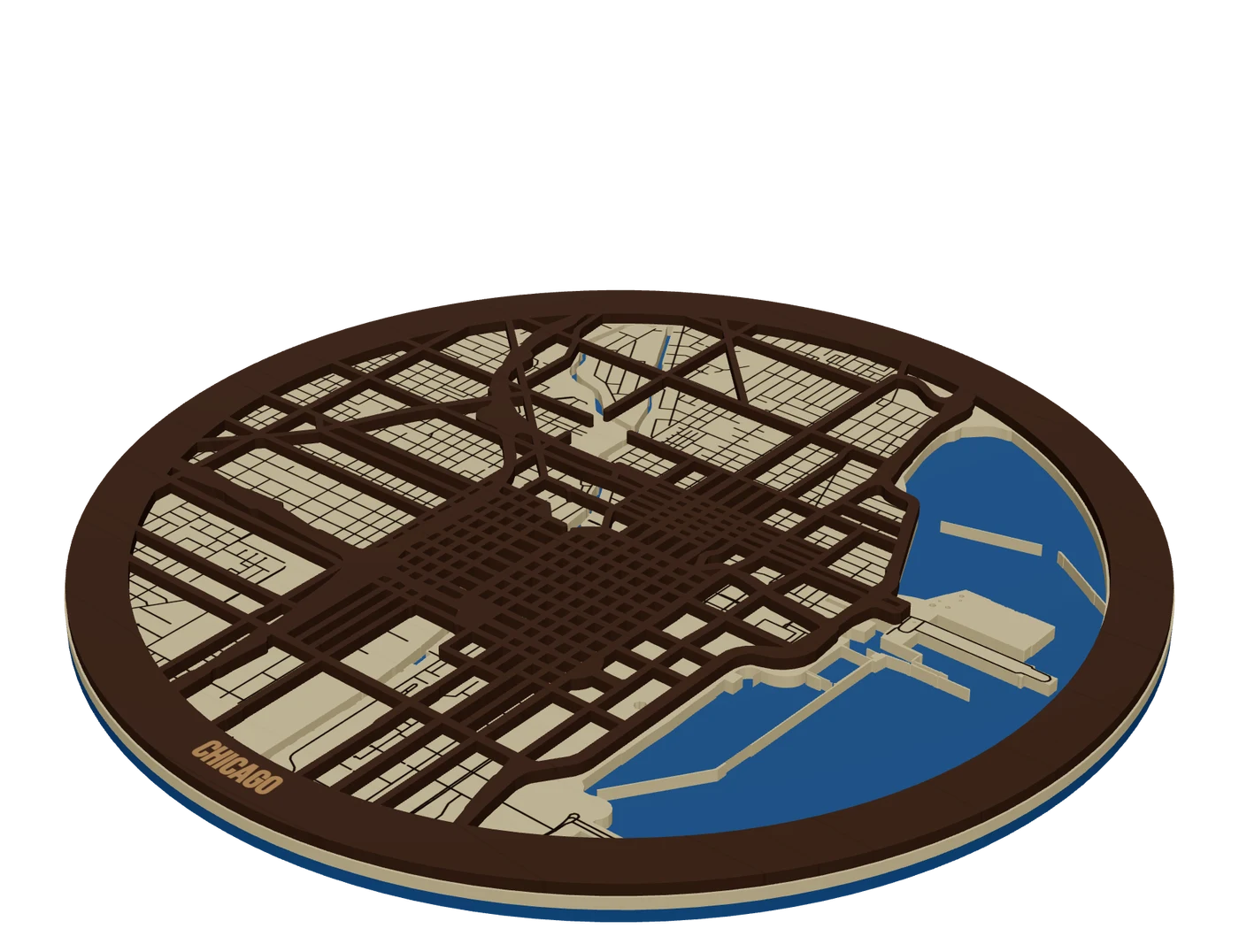 Places to mapCity street mapsLayered city maps with real street hierarchy, water showing through and streets that never fall out.
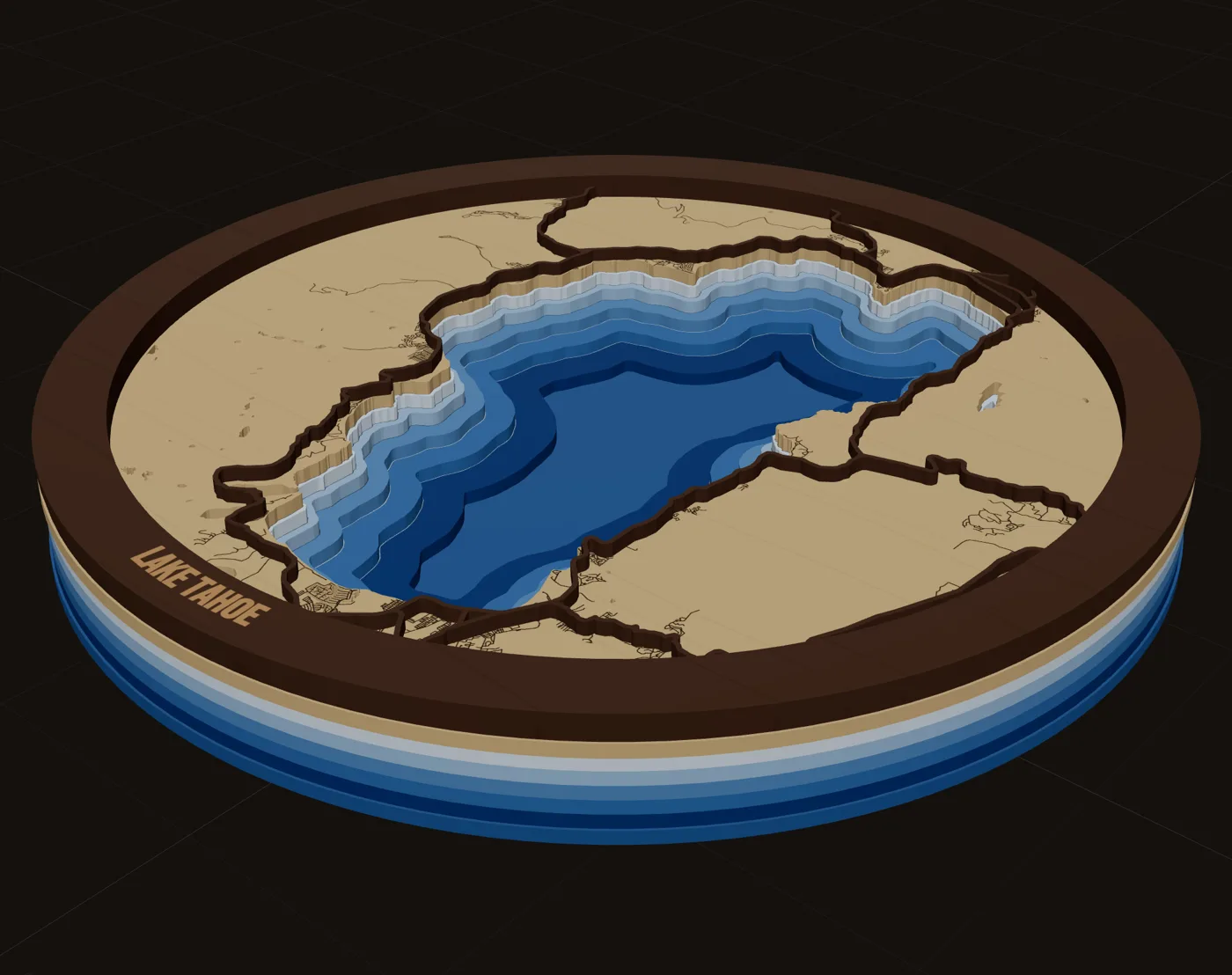
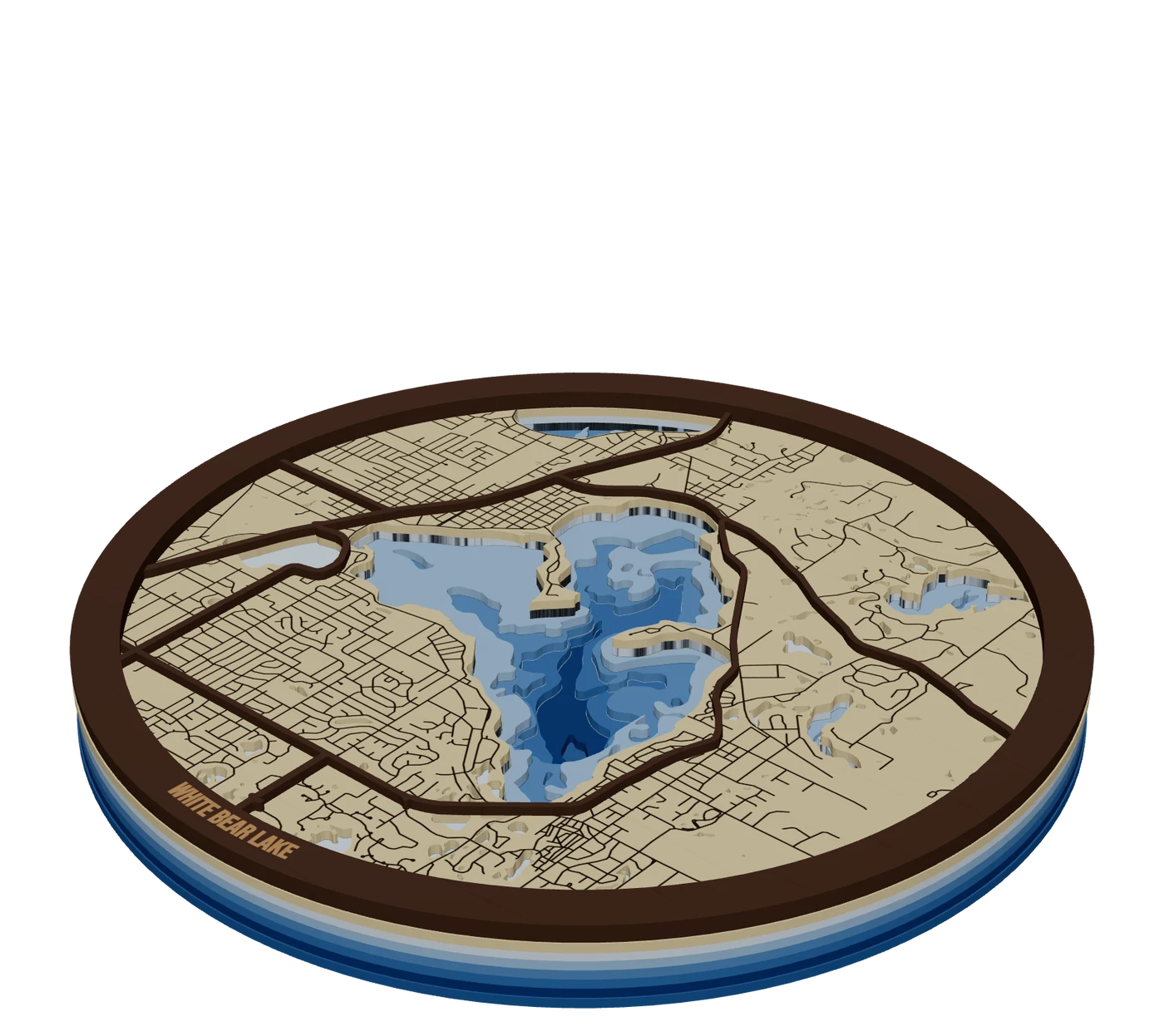 Places to mapLake depth mapsBathymetric lake maps: real depth surveys split into bands, cut down layer by layer in shades of blue.
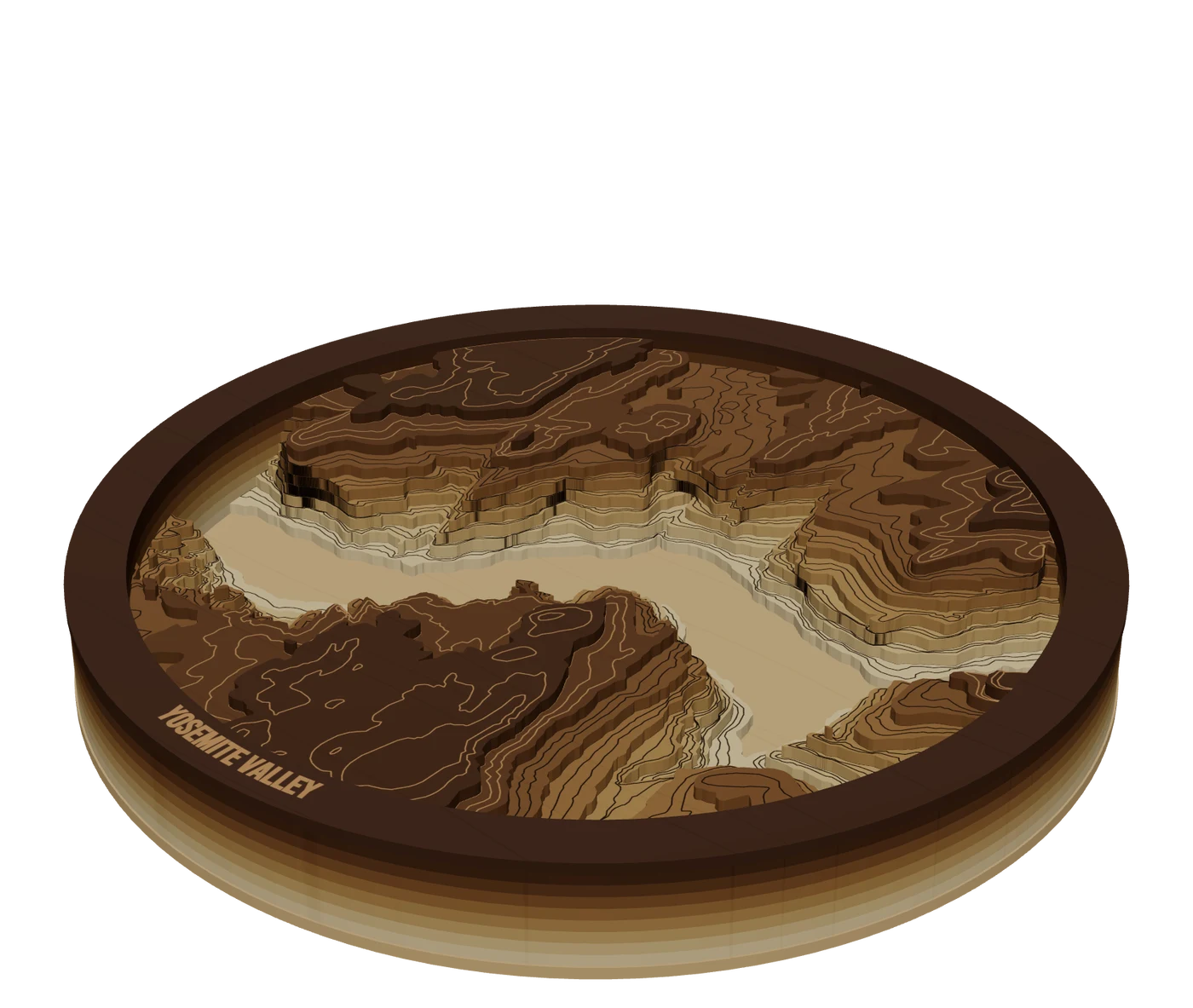 Places to mapTopographic mapsReal elevation data split into levels, so mountains build up in stacked layers you cut and glue.
 GuideWhy Laser Maps Sell at a Premium (and How to Price Them)Layered wood maps sell for far more than the wood they are made of, and buyers pay it happily. This guide covers how to price laser cut maps: what the market charges by size, why buyers see the value, and a simple formula you can run on every quote.
Make your first stacked multi-material maps file tonight.
Search the place, pick the piece, check it in 3D, download files that open in LightBurn, xTool Creative Space and Glowforge.
7 days free, then $12 a month. Cancel anytime. Or 10 maps for $10.
— more from MappSmith
Everything else this app gives you.
Free tools, libraries and guides — most of it works before you pay for anything.