Designing Maps That Sell: Crop, Water, Roads and Words
Designing maps that sell is mostly about leaving things out. A buyer has to recognize the place from across a room, then read the name, then notice the detail. This guide walks through the choices that get you there: crop, water, roads, words, shape, contrast and size.
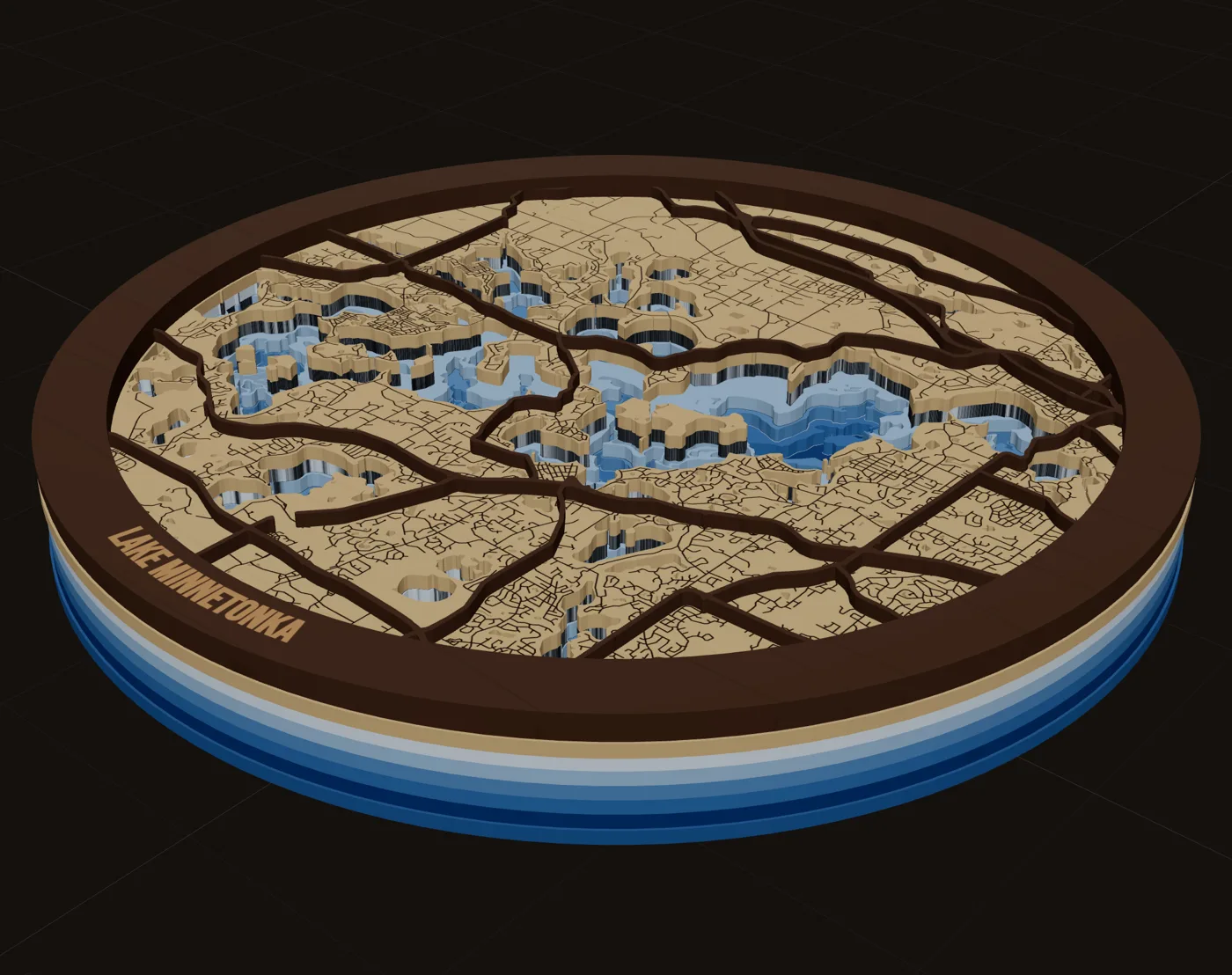
Crop to a feature people recognize
Recognition is the sale. Before anyone reads the name, they should see a shape they know: their shoreline, their river bend, their lake, the grid of downtown.
- Find the anchor. Every good crop has one feature that makes the place obvious. Put it near the center, or let it run off one side on purpose.
- Go tighter than you think. At a fixed size, every extra mile of ground makes every road thinner. A neighborhood reads better than a county.
- Respect the band. The frame band covers the edge of your crop. Do not put the anchor where the band will hide it.
- Rotate only with care. People know their map with north up. Rotating to fit a shape can make a familiar place look strange.
Make water the hero
Lakes, rivers and coastlines carry instant recognition. They are also the biggest, simplest shapes on the map, which makes them easy to cut and easy to color. That is why lake maps are such a deep niche: lake owners identify strongly with their lake, and the shape reads at a glance.
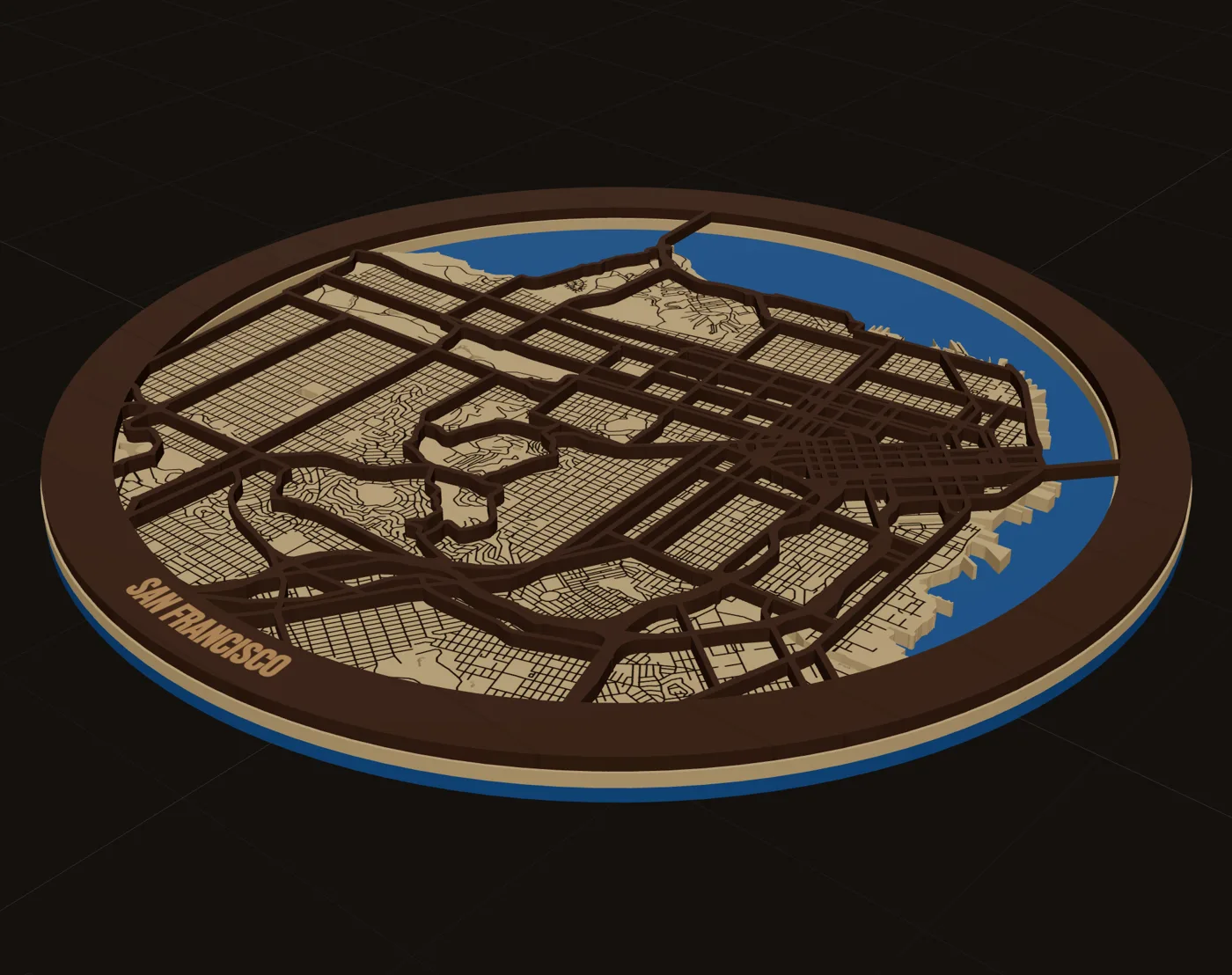
- Cut the water, do not just engrave it. A cut water edge over a blue backer gives you real depth and a strong color contrast.
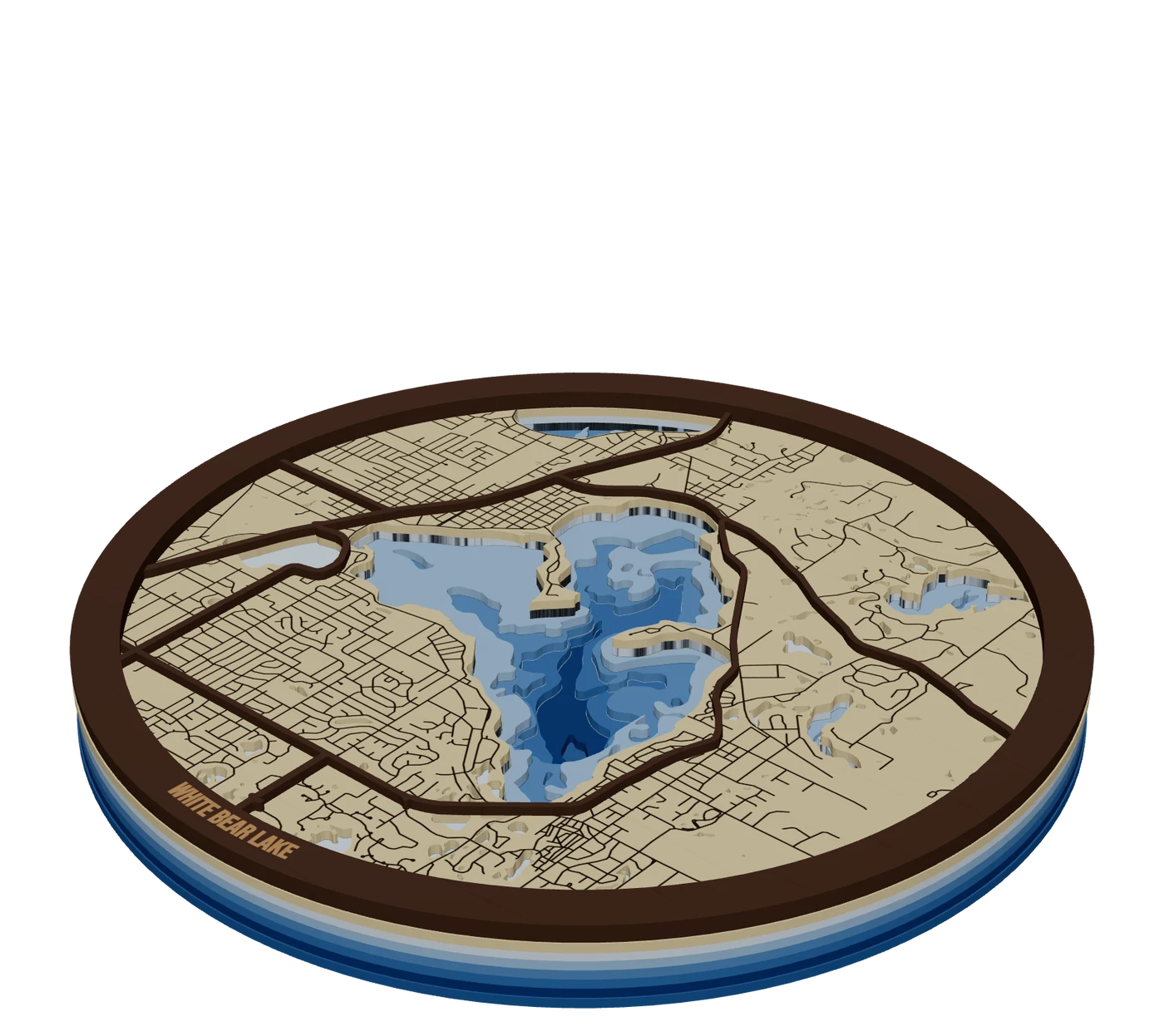
- Add depth where it exists. A lake cut down in two or three stepped bands looks expensive. See lake depth maps explained.
- Keep small ponds only if they survive. A pond smaller than your minimum piece becomes a speck that burns away.
Set a road hierarchy
A map where every road has the same weight reads as noise. Give roads three levels and let the eye do the rest.
| Road level | What to do | Why |
|---|---|---|
| Highways and major roads | Cut as raised strips on the top layer | They are the skeleton people navigate by |
| Arterials and residential streets | Score or engrave on the land plate | Texture and neighborhood detail, no extra pieces |
| Service roads, alleys, paths | Drop them, or score very lightly | Too thin to cut; they clutter the grid |
In MappSmith, roads are grouped (interstates and highways, major roads, minor and residential roads, service roads and alleys, paths and trails) and each group gets one operation and one width. That is on purpose. Map data changes a road's type along its length, so per-type settings would leave cut roads ending in mid-air.
What to drop
The most common design mistake in laser maps is too much detail. One Manhattan export pulled in 146,696 objects. Nobody wants to look at that many, and no laser wants to cut them.
- Buildings, unless the map is small enough that they read as blocks. Engrave them on a detailed piece, never cut them.
- Tiny islands and ponds below your minimum piece size.
- On-ramps and slivers. One tutorial smoothed its trace to remove them.
- Railways and power lines, unless they mean something to the buyer.
- Labels from the source map. Add your own words on purpose instead.
Words: name, coordinates, date
Words turn a map into a gift. A maker who showed a test map without labels got the obvious feedback: "what's a map without street names." You do not need every street, but you do need the right few words.
- The place name belongs on the frame band, where it gets a clean solid surface. On a circle, curve it along the ring.
- Coordinates double as decoration. They work on almost every map and say "this exact spot."
- A date and names for weddings, anniversaries, first homes and memorials.
- A pin on the spot that matters: a star or heart on the house, the chapel, the cabin.
- A message on the back, engraved on the bottom sheet so it reads when the piece is turned over.
Do not engrave words on a pieces-only street layer: most of the letters fall in the gaps. Put them on the band, a solid sheet, or a name bar. In MappSmith the name sits on the band in any of 28 fonts, a name bar can carry up to six lines, and one tap fills in Coordinates or the County.
Frame shapes that fit the story
| Shape | Fits | Note |
|---|---|---|
| Circle | Classic wall maps, coasters, clocks | Name curves along the band |
| Rectangle | Memory posters, tiles, larger wall pieces | Room for a title and date block |
| Heart | Anniversaries, weddings, love story maps | Keep the anchor away from the point |
| State outline | Hometown, lake-state and move-away gifts | Mark the town with a pin |
| House | First home and realtor closing gifts | Pairs with a family name and year |
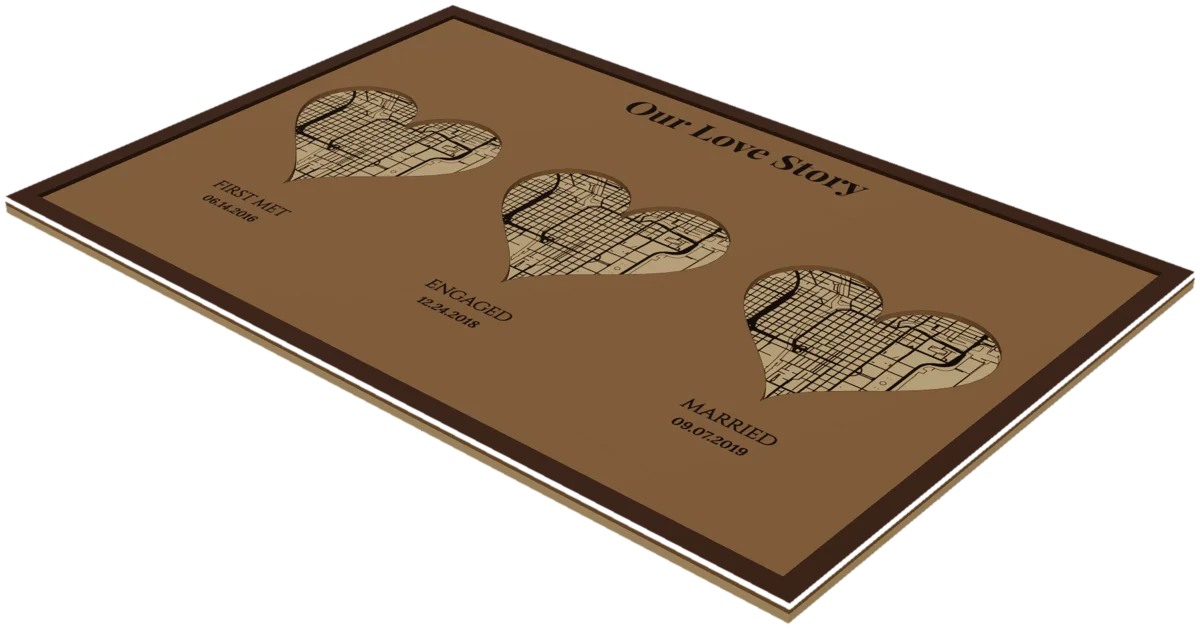
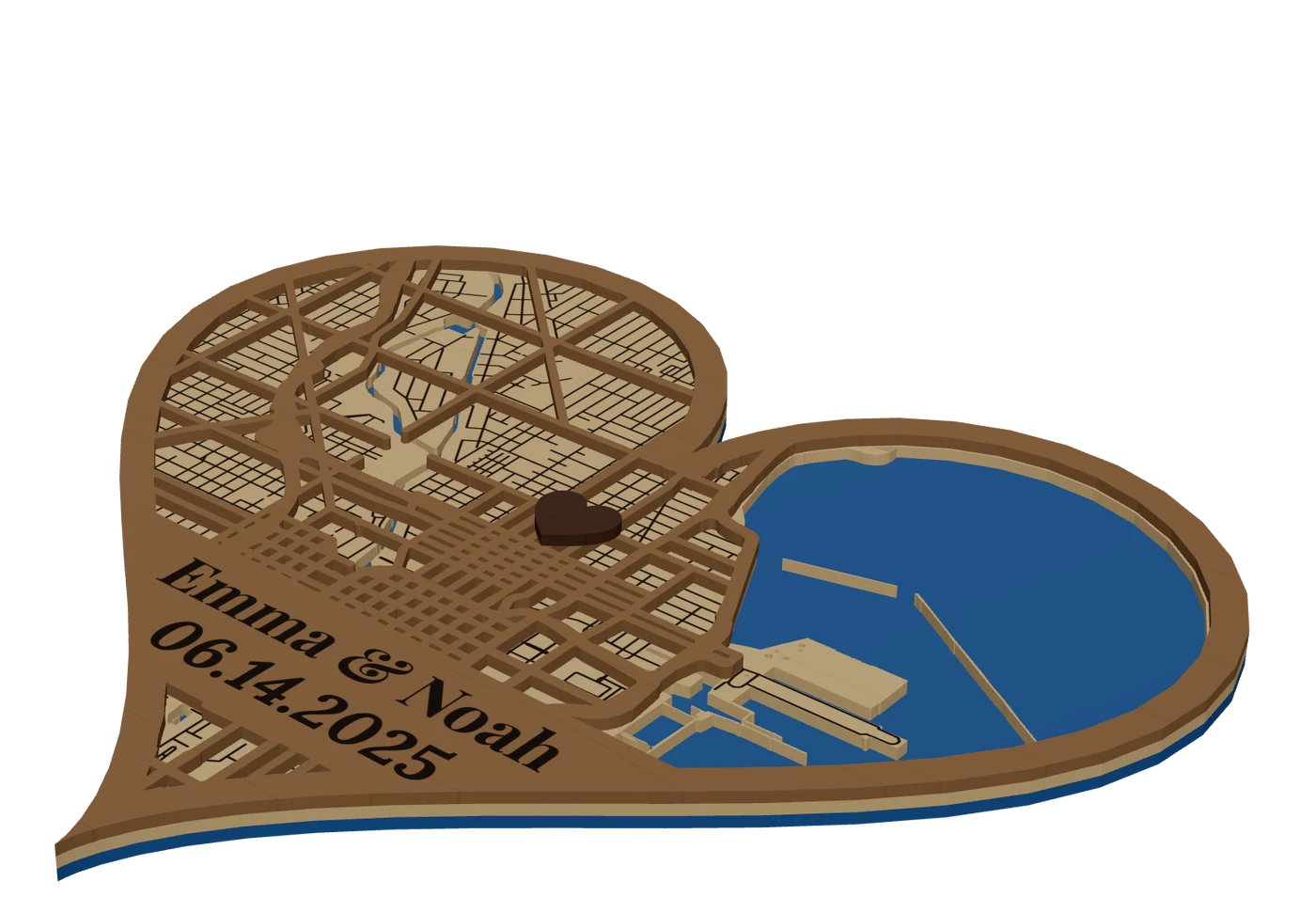
The three-place story (where they met, got engaged and married) is a proven format. When the places are far apart, use separate windows or tiles. See love story maps.
Contrast between materials
A layered map reads through contrast between sheets, not through detail. Three common pairings:
- Light land, dark roads, blue water. The classic. Stain or dye the street layer dark so it pops off the land.
- Contrasting woods. A maple front over a cherry backer, or maple top layers over cheaper plywood below to suggest depth.
- Wood and acrylic. A blue or clear acrylic water layer under a wood land plate.
Test every color choice on scrap. Finishing details are in premium map finishing.
Sizes that sell
Sellers of finished layered maps tend to offer a short ladder of sizes. These are what we saw on listings in October 2026:
| Listing | Sizes offered |
|---|---|
| Lake Vermilion 3D map | 11x14, 14x18, 16x20, 24x30 |
| Milwaukee wooden map | 11x14, 18x18, 24x24, 34x34 |
| Another layered wood map | 11 sizes from 8.5x8.5 to 35x35 |
| Map ornaments | About 3 to 4 inches |
- Your bed sets the ceiling. One tutorial noted a city map "just barely" fit the machine. Larger maps need a bigger bed, a pass-through or tiling.
- Small sizes need less detail. Design the ornament crop separately from the wall-map crop. Do not just shrink it.
- Price climbs with size and layers. The Lake Vermilion listing raises price with size and with the number of hand-stained water layers.
Design for the buyer, not for other makers
Makers admire detail. Buyers buy meaning. The person paying is usually not the person who will hang the map: it is a spouse, a parent, a realtor or a coworker buying a gift. They need to see in one second that this is the right place and the right moment.
- Lead with the story. "Our first home," "where we met," "the lake every summer." The map is the proof; the words are the reason.
- Offer a few fixed choices. Shape, size, wood tone and one or two lines of text. Too many options slow the order and the proof.
- Keep a house style. Same fonts, same band width, same road hierarchy across your listings. A shop with one clear look reads as a brand.
- Build evergreen local designs. Your town, your lake, the nearby college. They need no proof and sell at fairs while custom orders come in online.
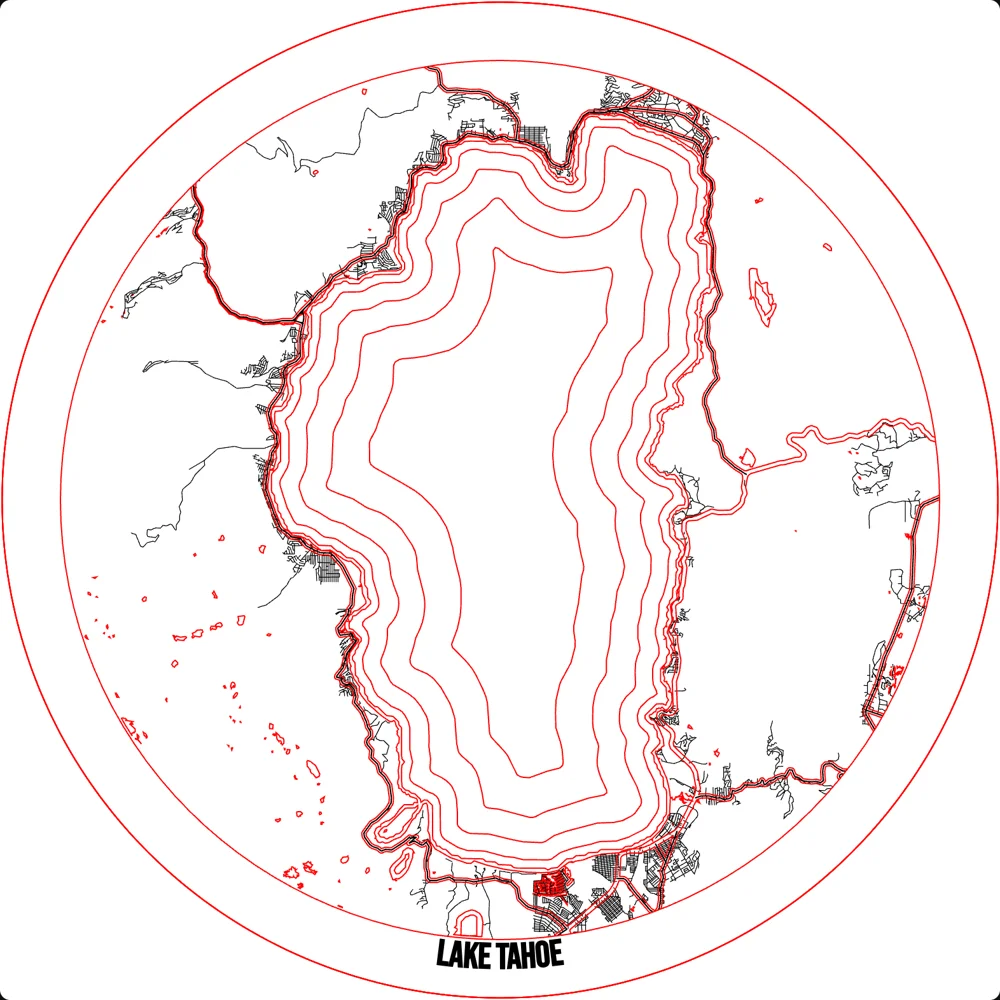
Design mistakes to avoid
- Too much detail. Thin roads snap, tiny pieces burn away, and the anchor shape disappears.
- Floating pieces. A street layer with no frame band falls apart. One maker called it "too floppy."
- No words. A map without a name or a date looks unfinished to a gift buyer.
- Text on the street layer. Letters fall into the gaps. Use the band or a solid sheet.
- One map for three distant places. Zooming out to fit them all leaves nothing readable.
- Skipping the proof. Spelling a name wrong ruins the piece. Send a proof and get approval first.
For the full build, read how to make a laser cut map.
Questions makers ask
How much detail should a laser map have?
Less than the source map. Cut highways and major roads, score or engrave residential streets, and drop service roads, paths and tiny ponds. If the main shape disappears when you squint, remove a road level.
Where should the name go on a laser map?
On the frame band or a solid name bar, not on the street layer. On a round map, curve the name along the band. Add coordinates or a date as a second line.
What size laser maps sell?
Finished layered map listings in our research offered ladders like 11x14, 14x18, 16x20 and 24x30, or square sizes from 8.5x8.5 up to 35x35. Ornaments run about 3 to 4 inches.
How do I add street names to a laser map?
Add only the few names that matter, as engraved text on a solid sheet such as the land plate or the band. Small text on a cut street layer falls into the gaps.
Updated 2026-10-17
Sources (13)
- The Handyman's Daughter: How to make a laser cut city map
- Glowforge community: Layered NYC map + tutorial
- NYC Resistor wiki: Bridge Street neighborhood map (QGIS workflow)
- Creality Falcon laser academy: How to make island maps for laser cutting
- Cuttle: New House Ornament (maple front, cherry backer)
- Glowforge community: Bathymetric map of Lake Murray
- Engraved heart map: met, engaged, married
- Etsy listing: Long distance custom map heart ornament
- Etsy listing: Lake Vermilion MN 3D laser cut wood map
- CityWood: Milwaukee wooden map listing (sizes)
- Etsy listing: layered wood map in 11 sizes
- xTool projects: Personalized layered hometown map ornament
- Akron Life: Place maker (MapCuts profile)
Read next
GuideHow to Make a Laser Cut Map: The Free Way and the Fast WayThis is how to make a laser cut map that holds together, reads at a glance and sells. We cover the free manual route with OpenStreetMap and vector software, the faster route in MappSmith, and everything after the file: crop, layers, wood, settings, glue and finishing. Use whichever route fits your shop. The craft is the same.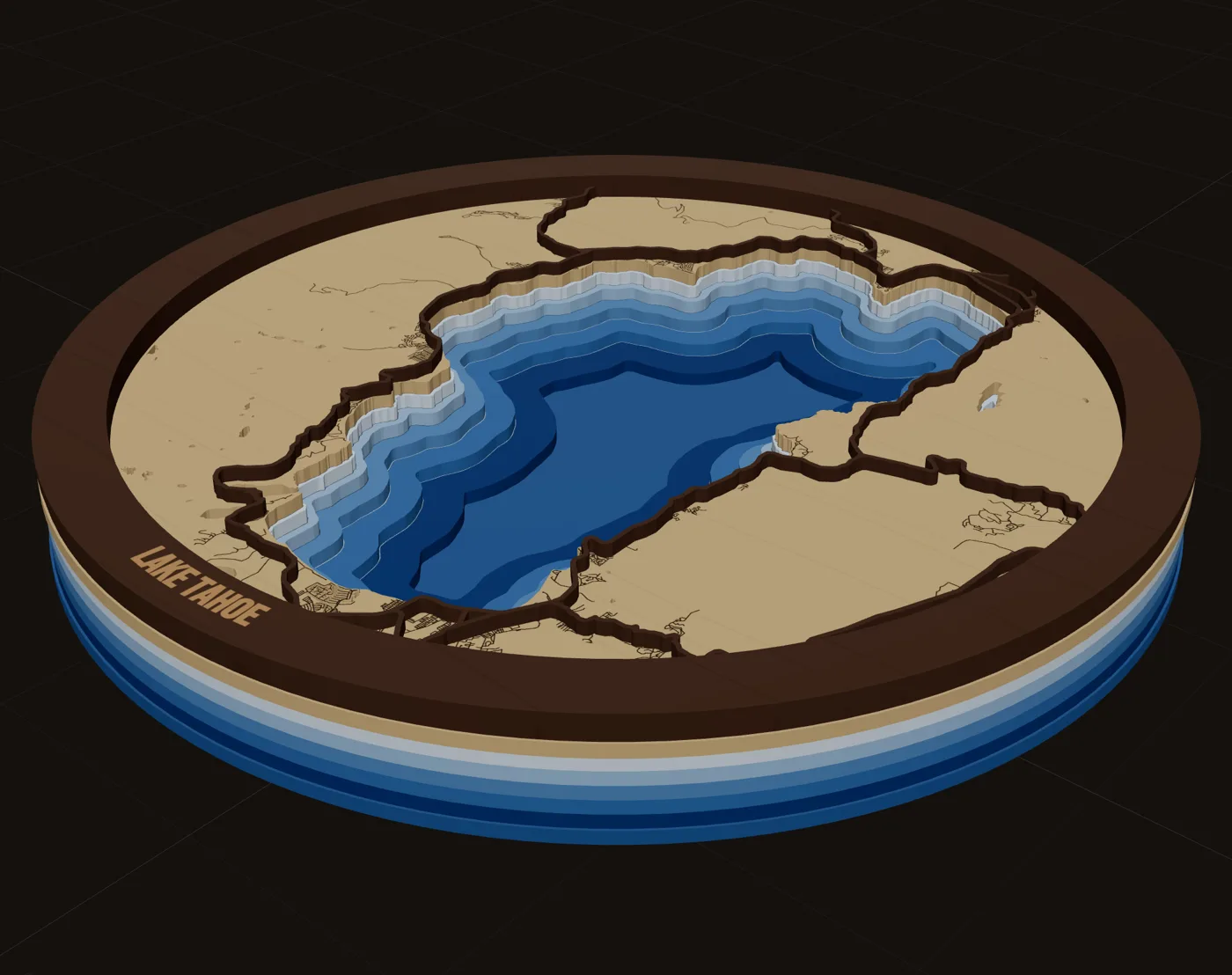 GuidePremium Map Finishing Techniques for Laser Cut MapsThese map finishing techniques are what separate a craft-fair map from one that sells framed. Masking, color, water, glue, edges and lighting each add a little. Some advice here comes from published tutorials, some from forum makers; we mark which is which. Test everything on scrap first.GuideWhy Laser Maps Sell at a Premium (and How to Price Them)Layered wood maps sell for far more than the wood they are made of, and buyers pay it happily. This guide covers how to price laser cut maps: what the market charges by size, why buyers see the value, and a simple formula you can run on every quote.
 Pieces to makeLove story mapsWhere they met, got engaged and said I do. Several map windows on one board, each with its own caption.
 Places to mapLake depth mapsBathymetric lake maps: real depth surveys split into bands, cut down layer by layer in shades of blue.
 Pieces to makeMap giftsWhich map to make for which occasion, who buys it, and when demand peaks.
Turn this into a file you can cut.
Every step above happens in one browser tab. Try it on your own hometown.
7 days free, then $12 a month. Cancel anytime. Or 10 maps for $10.
— more from MappSmith
Everything else this app gives you.
Free tools, libraries and guides — most of it works before you pay for anything.