Need help generating patch ideas? Use our free Hat Patch Designer on ChatGPT — it designs for how patches are actually cut.
Try it free— For laser shops
From logo to LightBurn in a few clicks
Vectorize artwork, set the engrave tone on real leatherette, add a precise cut line, and export straight to LightBurn or xTool — with a hat mockup to show the customer first.
7-day free trial · no card to start · cancel anytime
Sound familiar?
The friction PatchForge takes off your plate.
- Prepping cut lines by hand in a separate vector editor
- Guessing how an engrave will read on a given leatherette
- Exporting files your laser software chokes on
Laser patch work means clean vectors, a reliable cut line, and files your machine actually understands. PatchForge traces your art, previews the engrave on the leatherette color you cut, and exports native .lbrn2 and .xs — no round-trip through three other programs.
— How it works
From art to production in four steps
- 1
Upload + vectorize
Drop in artwork and trace it to clean vectors for engraving, or add text and shapes.
- 2
Set engrave + material
Choose the leatherette color and see the engrave tone the way it will actually cut.
- 3
Dial the cut line
Add a shape or custom die-cut contour with the exact margin you want to cut.
- 4
Export to your laser
Download native LightBurn (.lbrn2) or xTool (.xs), plus SVG/DXF and a cut-line file.
— What you get
Everything for this workflow, in one tool
UV print or laser engrave
Design for full-color UV printing or single-tone laser engraving — the builder adapts the workflow to each.
Auto cut lines
Every shape gets a production-ready cut line; die-cut contours trace your artwork edges automatically.
Production files
600 DPI print PNGs, cut-line SVG, engrave layers, plus native LightBurn (.lbrn2) and xTool (.xs) exports.
Materials that match reality
Preview on leatherette, vinyl, and acrylic with the right engrave color so the mockup reads true.
Gang sheets
Auto-nest many designs onto one sheet with registration marks for clean print-and-cut runs.
Real hat mockups
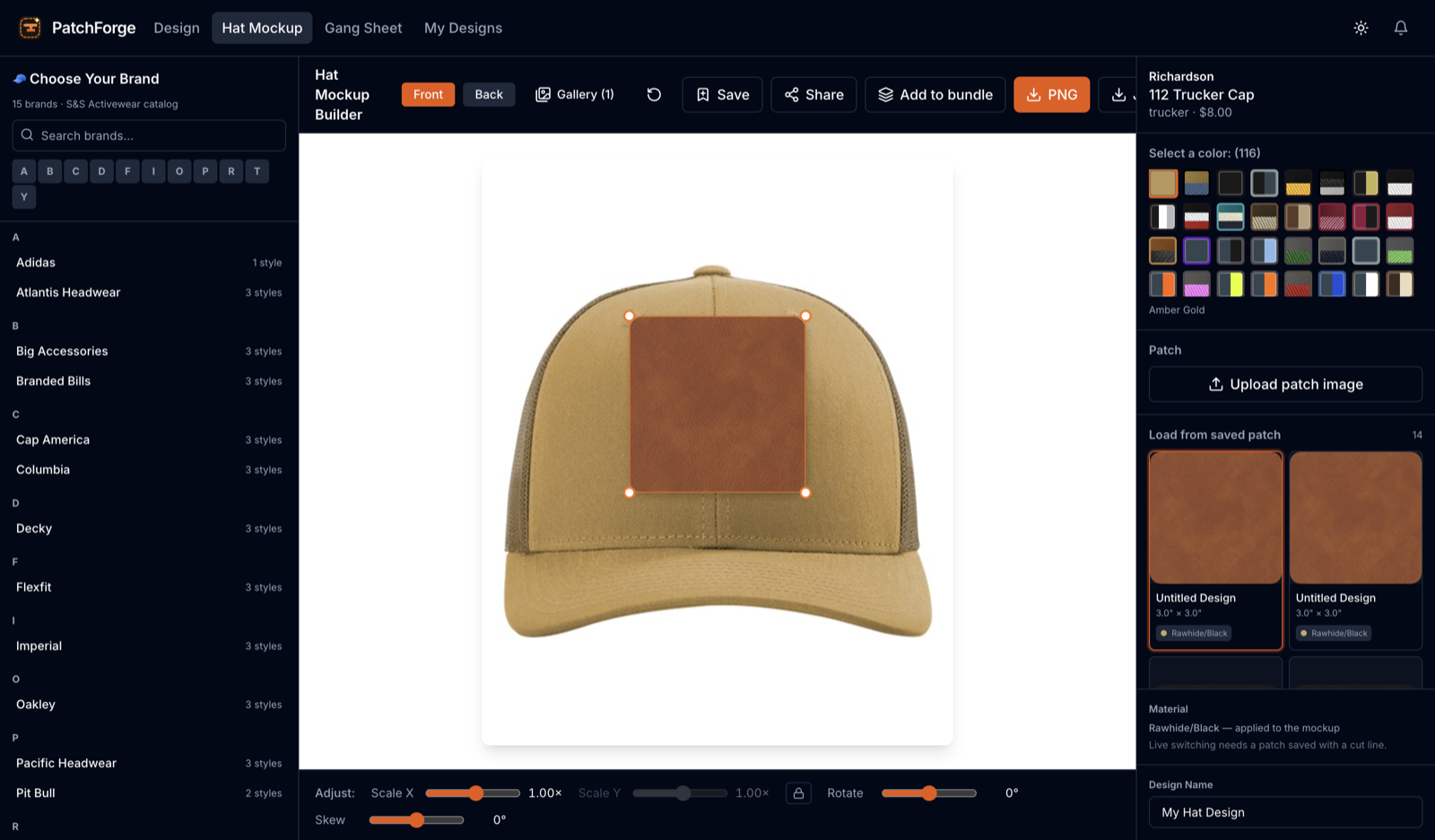
Drop your patch onto real hat photos across hundreds of colorways, front and back, then download or share.