Need help generating patch ideas? Use our free Hat Patch Designer on ChatGPT — it designs for how patches are actually cut.
Try it free
Making a patch shouldn’t take longer than making the sale.
Most patch tooling was built for engineers, not makers. So a five-minute design turns into an afternoon of tracing, exporting, guessing, and re-doing.
- Redrawing cut lines by hand in software that fights you every step.
- Guessing whether the file will actually cut clean — until the machine proves you wrong.
- Emailing flat JPEGs and hoping the client can picture it on a hat.
- Paying for four different tools to do one patch.
From idea to production file in four steps.
Everything happens in one browser tab. No installs, no plugin stack, no re-drawing.
Design it. See it on the hat. Ship the file.
The three surfaces you’ll live in — patch builder, hat mockups, and gang sheets.
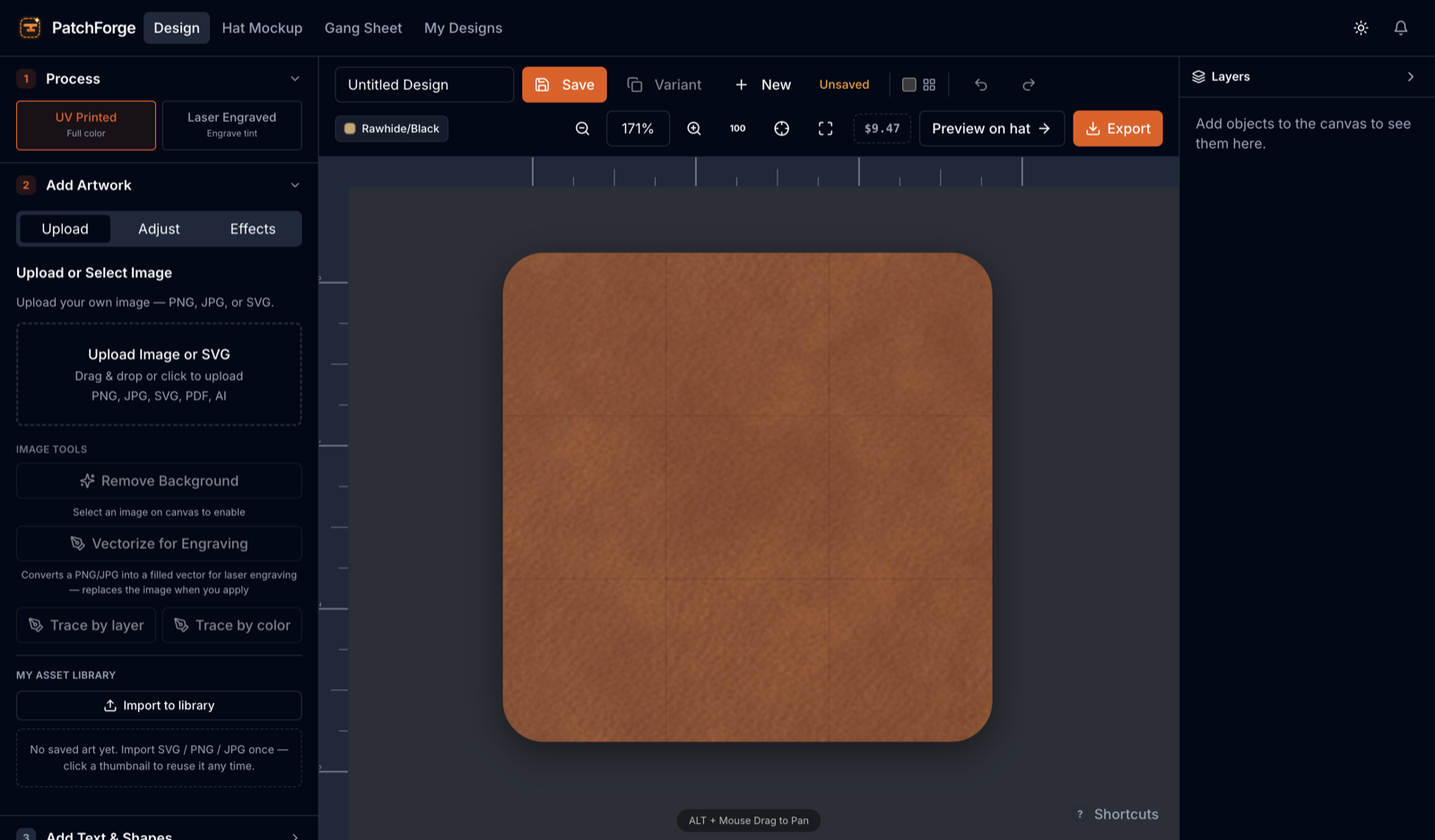
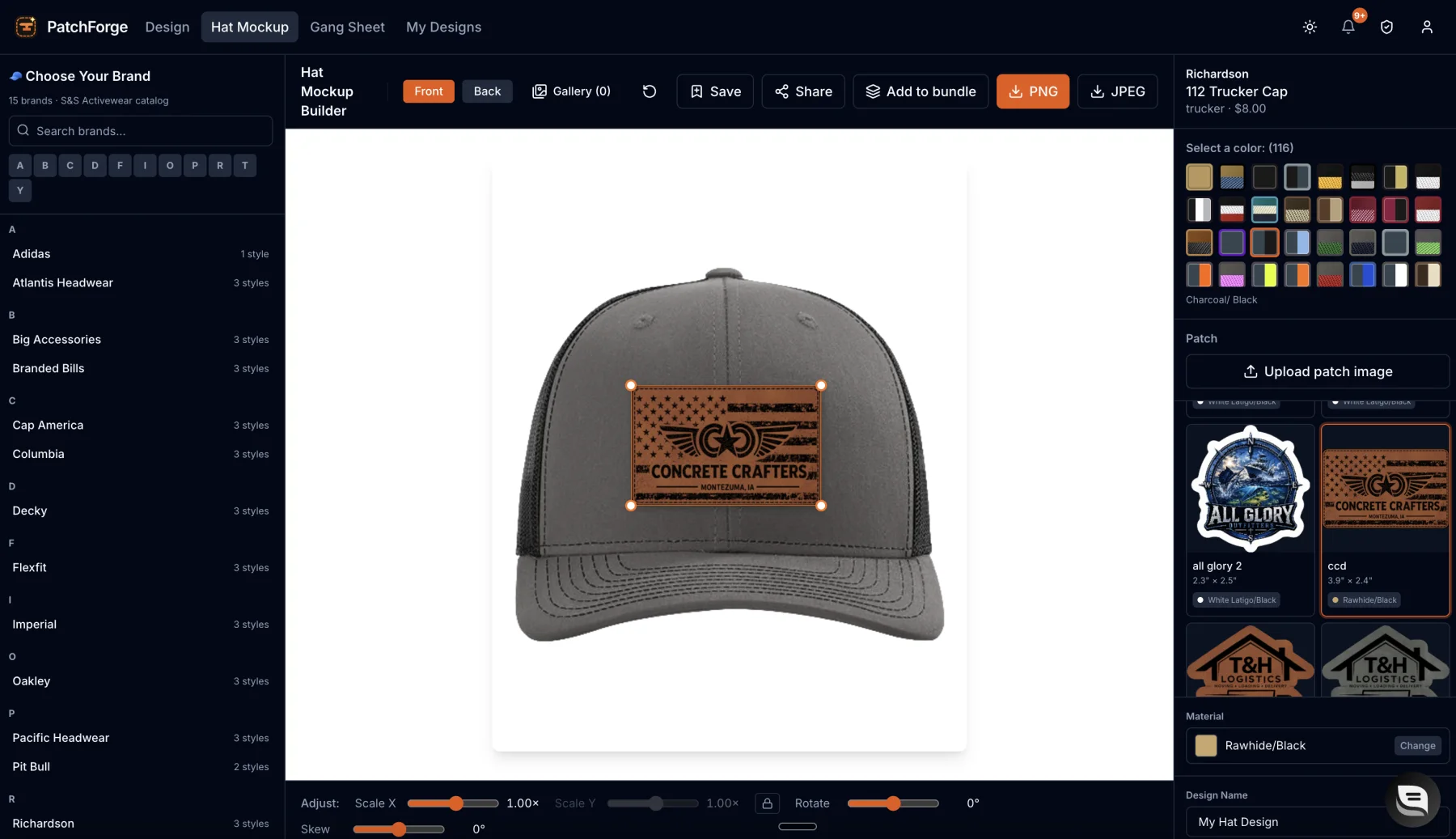
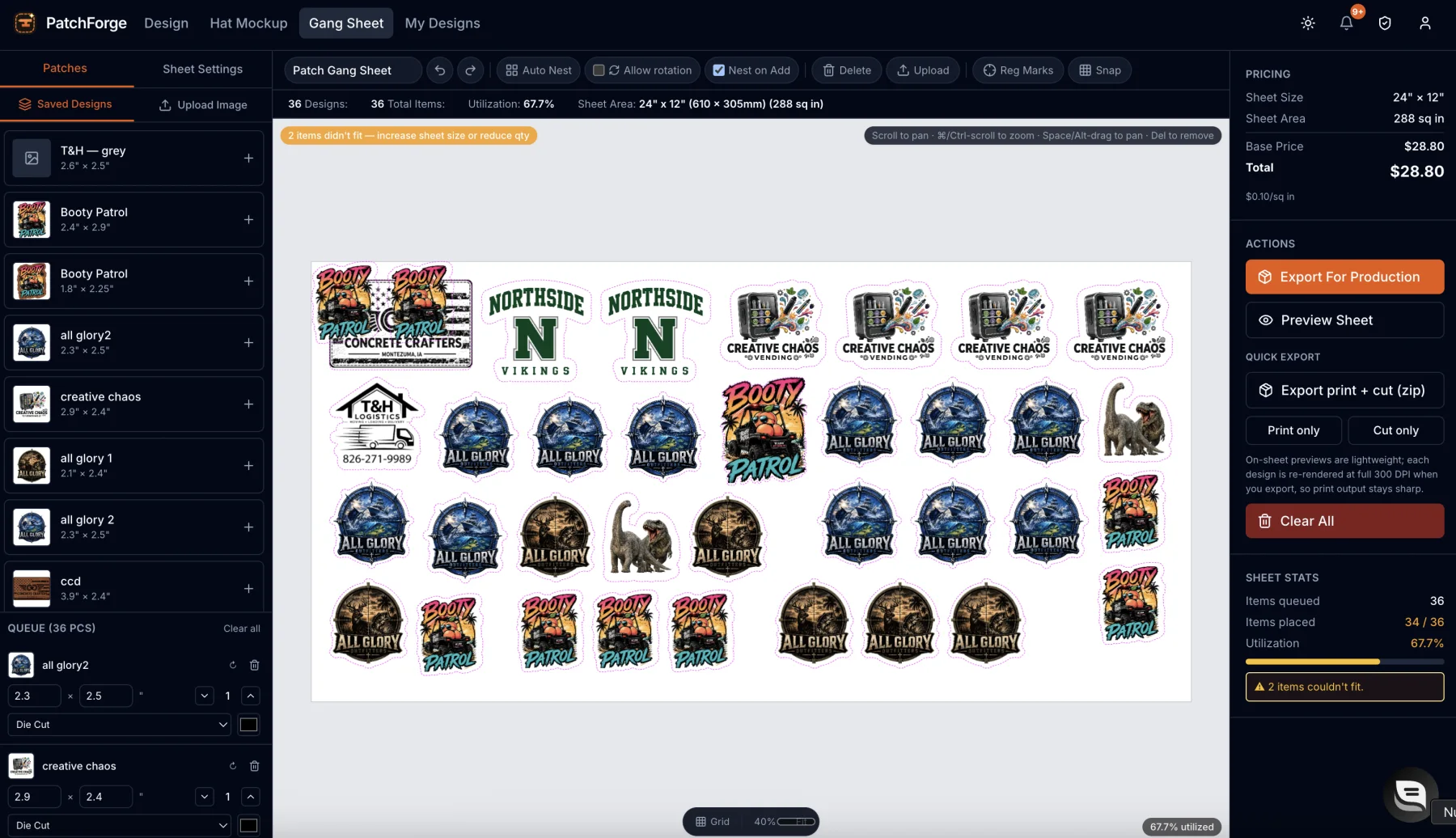
UV printed or laser engraved — on the material you actually sell.
Switch methods on the same design and pick from hundreds of leather, leatherette, vinyl, and acrylic materials, each with live per-inch pricing built in.
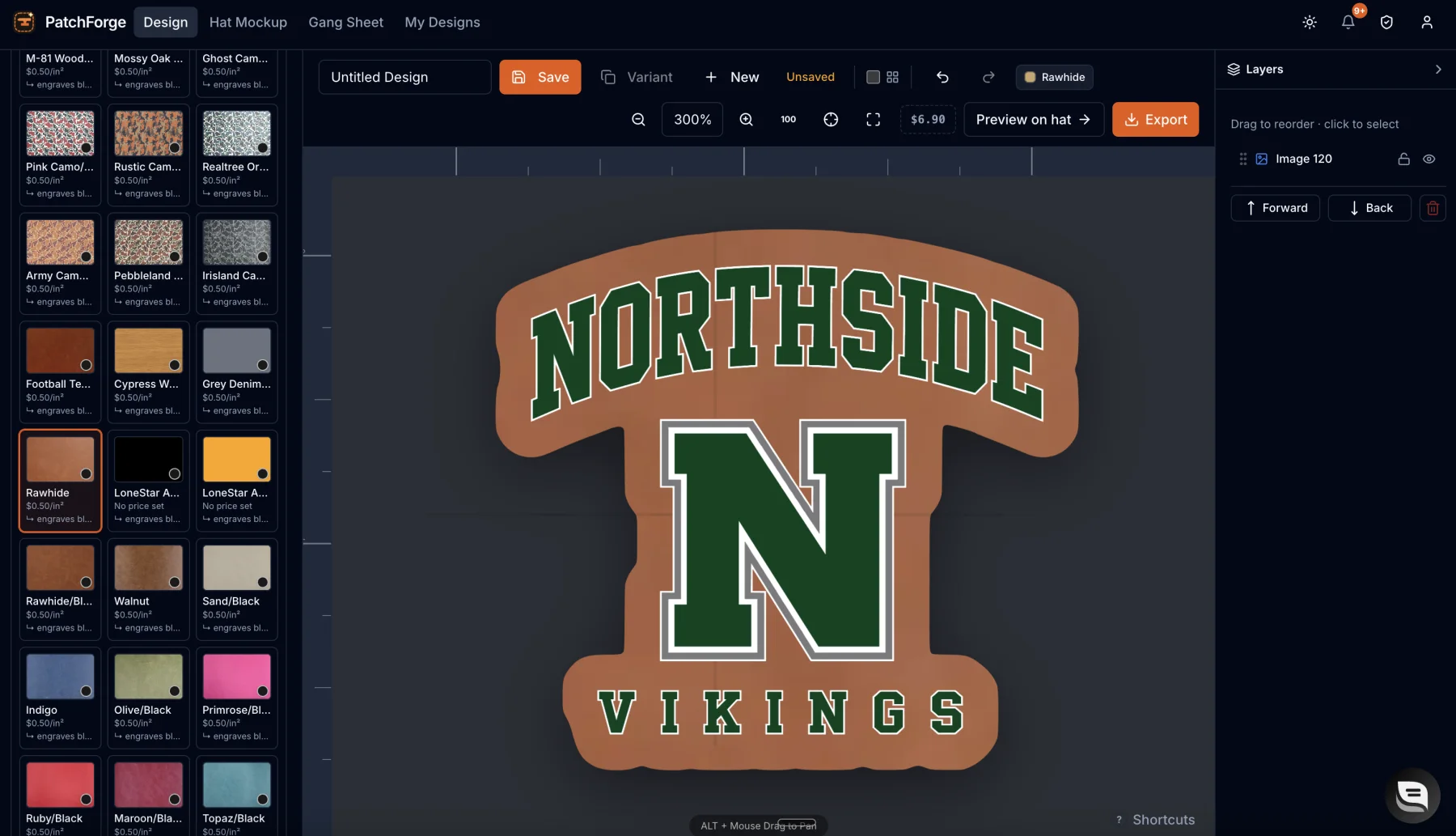
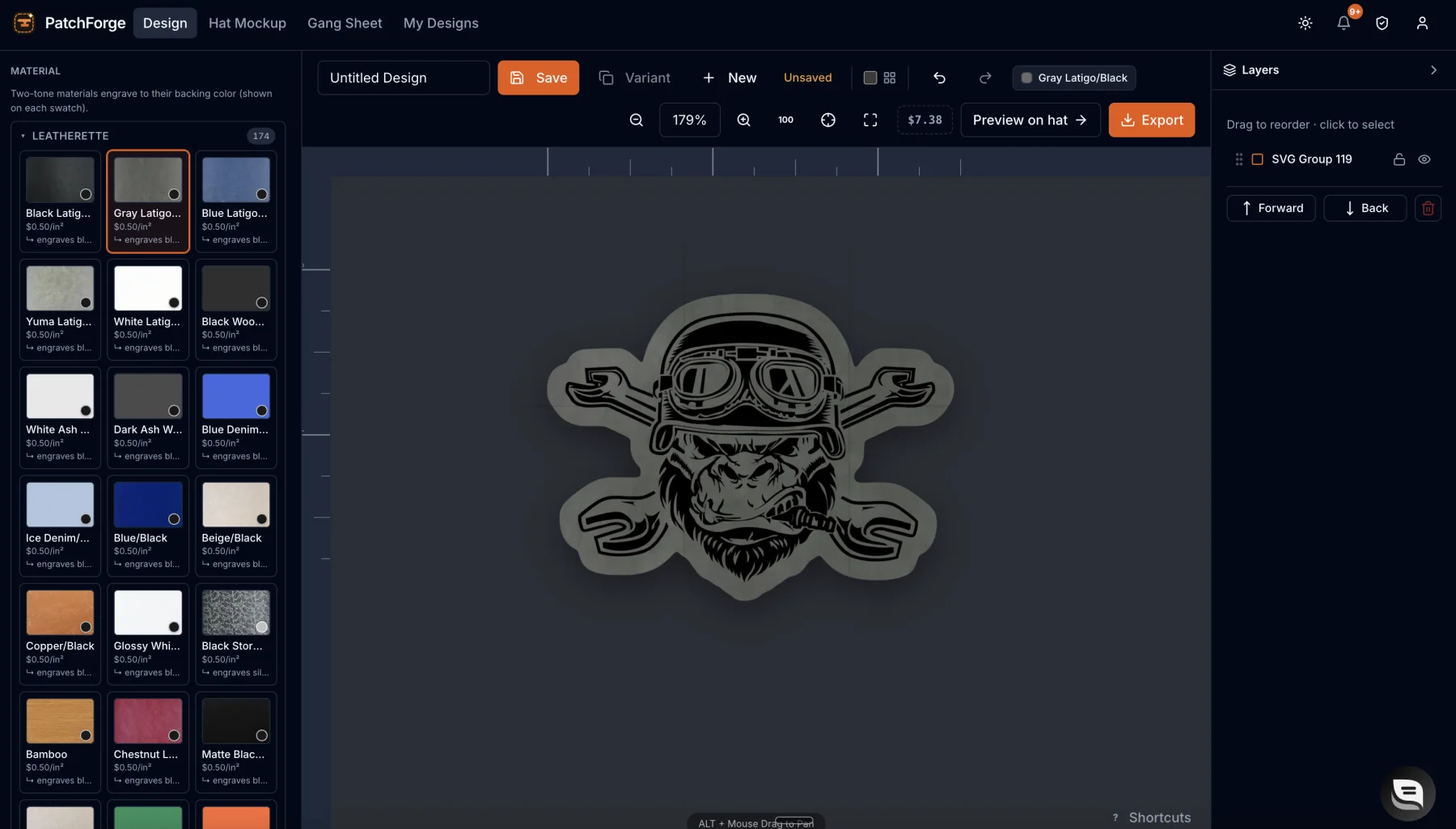
Everything a patch maker needs. Nothing they don’t.
One workspace that covers the whole job — art to approval to production file.
If you put a patch on a hat, this is for you.
Real shops. Real hats. Real reorders.
Hat bars, laser shops, and sellers who stopped fighting their design tools.
Most shops are still doing this the hard way.
Try it free. Zero risk.
Use the full builder for 7 days before you pay a cent. If it’s not saving you time, cancel in one click — no emails, no phone calls, no hard feelings.
Questions before you start?
What materials can I design for?
Leather and leatherette, vinyl, and acrylic. Pick the material and PatchForge sets up the right look for either UV printing or laser engraving.
What’s the difference between laser and UV?
Laser engraving burns the design into materials like leather for a classic, tonal look. UV printing lays down full-color art on top. PatchForge lets you switch between the two on the same design and exports the correct file for each.
Do I need design skills or Illustrator?
No. Upload a logo, remove the background, and let auto-tracing build your cut lines. If you can drag a file into a browser, you can make a patch.
What cut files and formats do I get?
Print-ready sheets for UV, plus vector cut files including DXF for lasers and cutters, with registration marks for print-and-cut jobs.
Can I cancel or get a refund?
Your first 7 days are free — cancel any time before then and you’re never charged. After that you can cancel in one click from your account and keep access through the period you paid for.
Is my artwork private?
Yes. Your uploads and designs are yours. We don’t sell your art or use it to train anything, and background removal runs right in your browser.
— more from PatchForge
Everything else this app gives you.
Free tools, libraries and guides — most of it works before you pay for anything.