— free · no signup
Free tumbler wrap templates,
true to scale.
Every popular size, at true physical size, taken off real blanks with calipers. SVG plus native LightBurn and xTool projects. Take them and go — there is nothing to sign up for.
8 sizes · 3 formats each · updated as we measure more blanks
— pick your cup
Every size, drawn to scale.
These are not the same rectangle at different sizes. Each wrap below is drawn to true proportion, and the guide lines mark where the cup tapers and a flat rectangle stops being accurate.
40 oz Tumbler
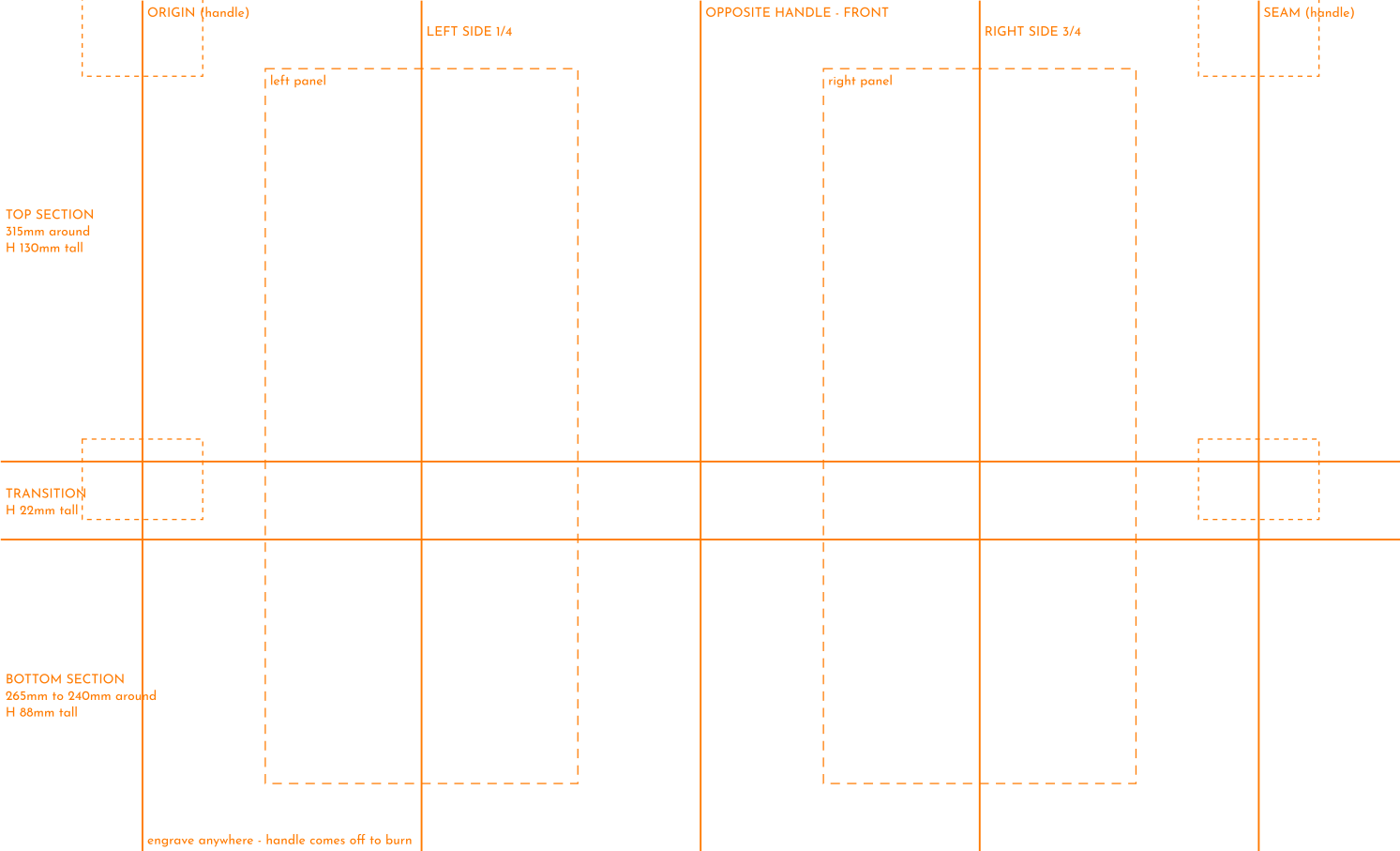
315 × 240MMTapers 315→240mm · handle keepouts
annotated · or the blank outline
All 40 oz Tumbler files and dimensions →30 oz Flip Tumbler
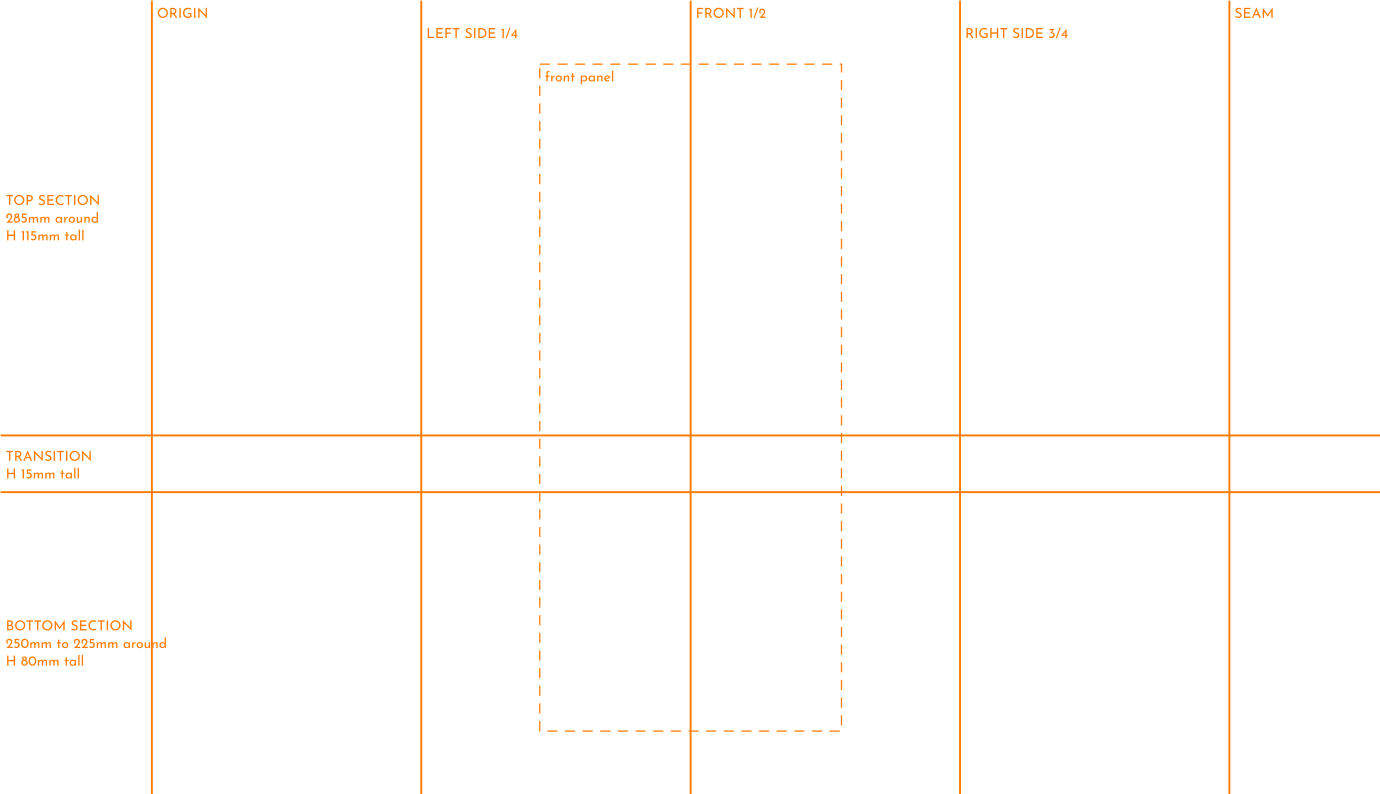
285 × 210MMTapers 285→225mm
annotated · or the blank outline
All 30 oz Flip Tumbler files and dimensions →30 oz Handle Tumbler
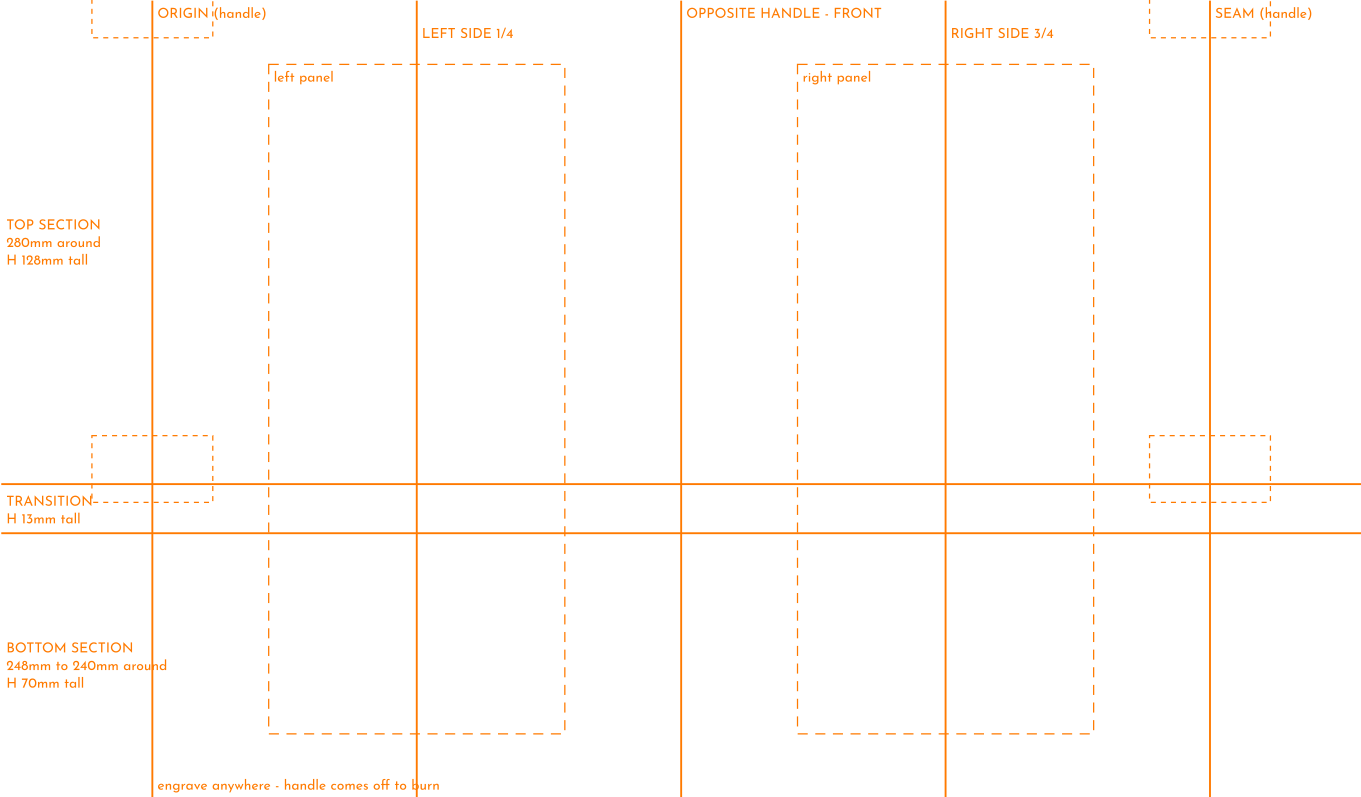
280 × 211MMTapers 280→240mm · handle keepouts
annotated · or the blank outline
All 30 oz Handle Tumbler files and dimensions →22 oz Sports Water Bottle
245 × 199MMStraight-sided
annotated · or the blank outline
All 22 oz Sports Water Bottle files and dimensions →20 oz Skinny Tumbler
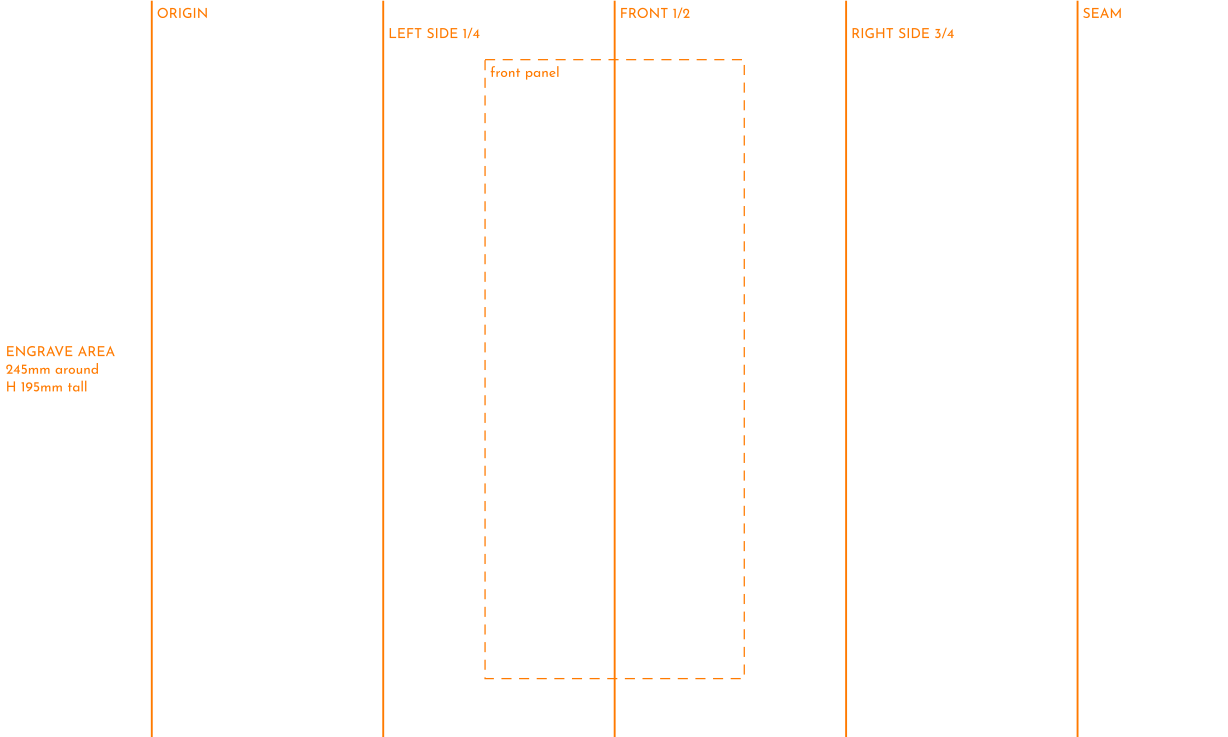
245 × 195MMStraight-sided
annotated · or the blank outline
All 20 oz Skinny Tumbler files and dimensions →20 oz Travel Tumbler
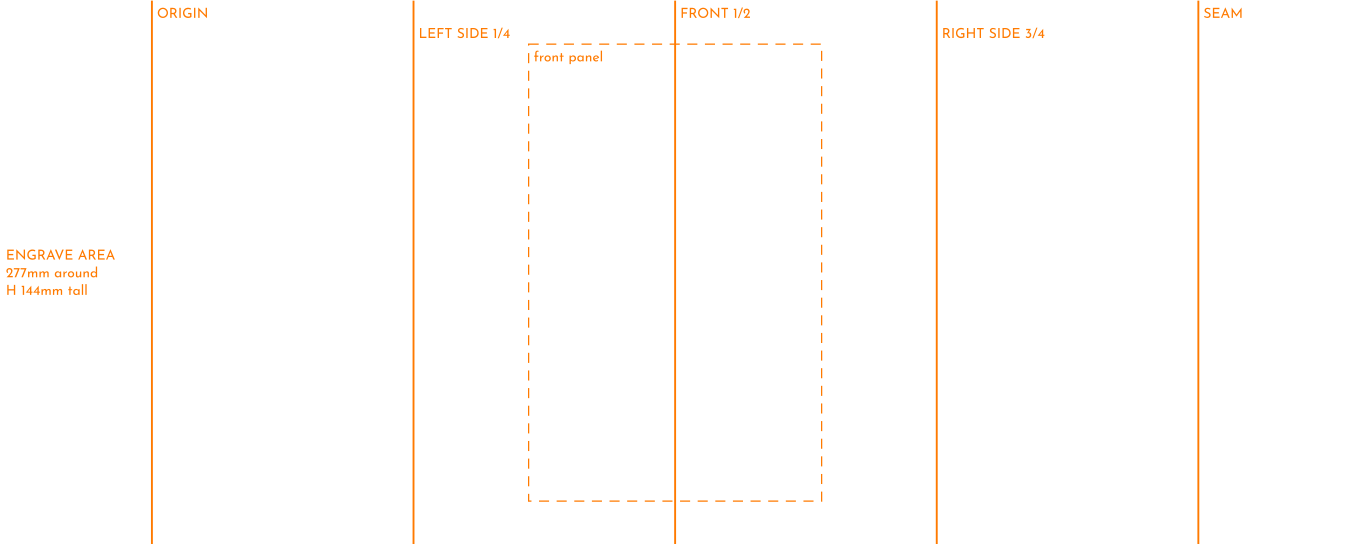
277 × 144MMTapers 277→237mm
annotated · or the blank outline
All 20 oz Travel Tumbler files and dimensions →16 oz Tumbler
250 × 126MMStraight-sided
annotated · or the blank outline
All 16 oz Tumbler files and dimensions →10 oz Mug
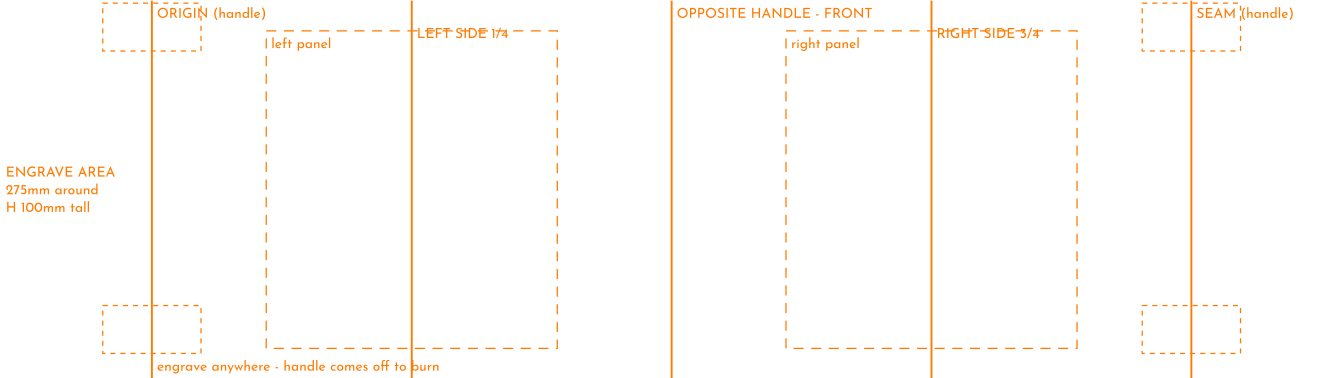
275 × 100MMStraight-sided · handle keepouts
annotated · or the blank outline
All 10 oz Mug files and dimensions →
Want the lot in one go? Both packs are a single zip each.
— what you’re downloading
A shop template, not a rectangle.
Measured on the real blank
Circumference, taper and safe zones taken with calipers off the cup itself, not read off a spec sheet or a Facebook comment.
Sections, not one flat size
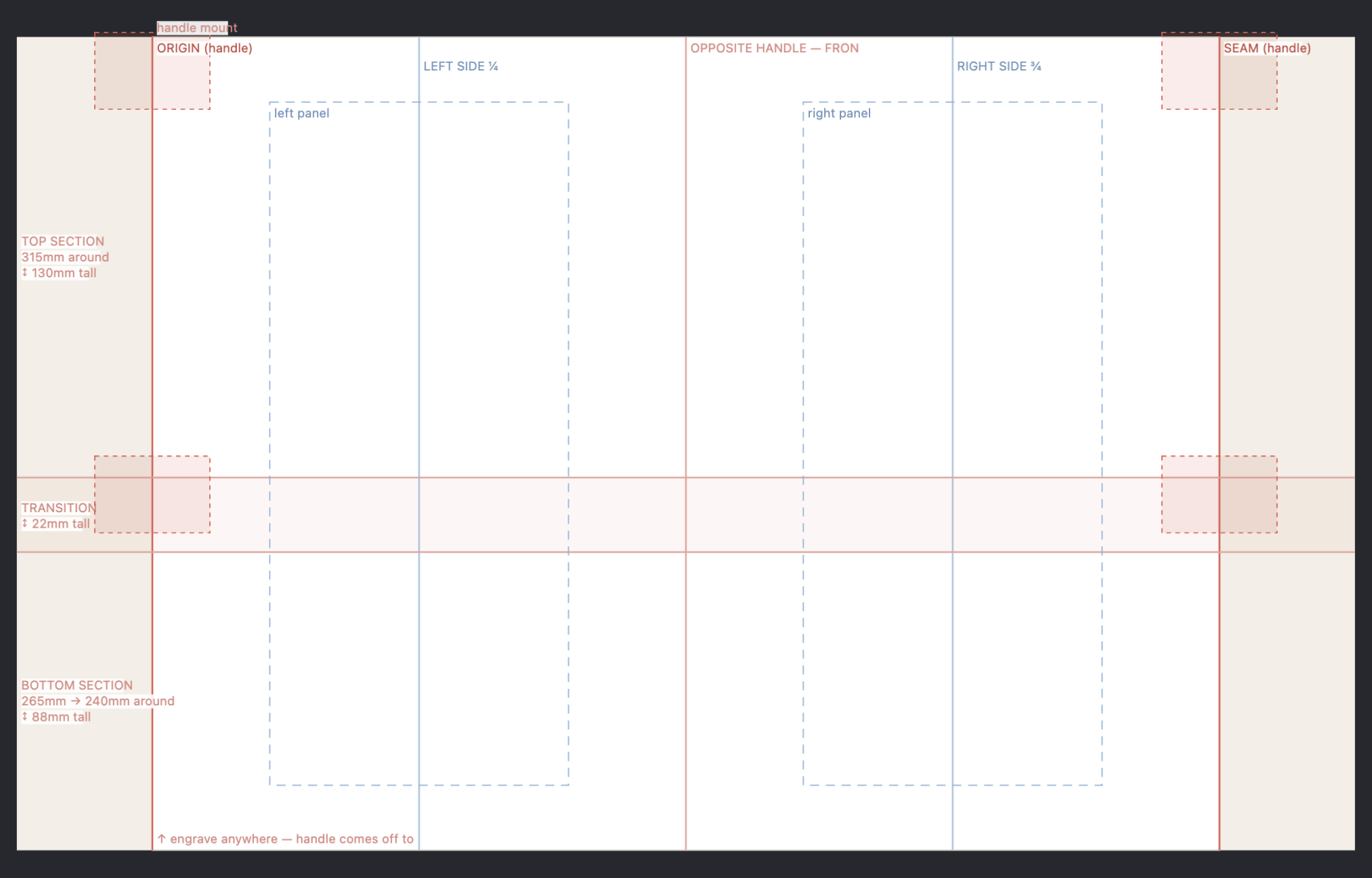
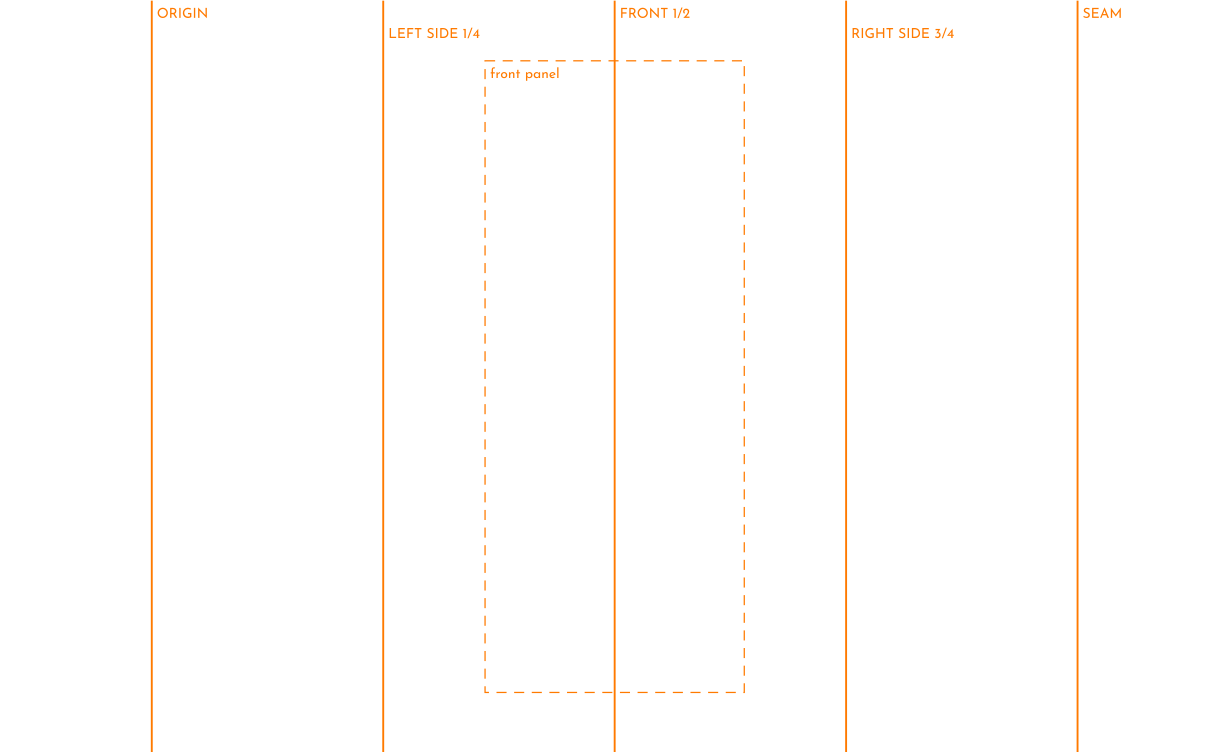
Where a cup tapers, the template splits into top, transition and bottom and labels the circumference of each — the thing a single number can’t tell you.
Native laser projects
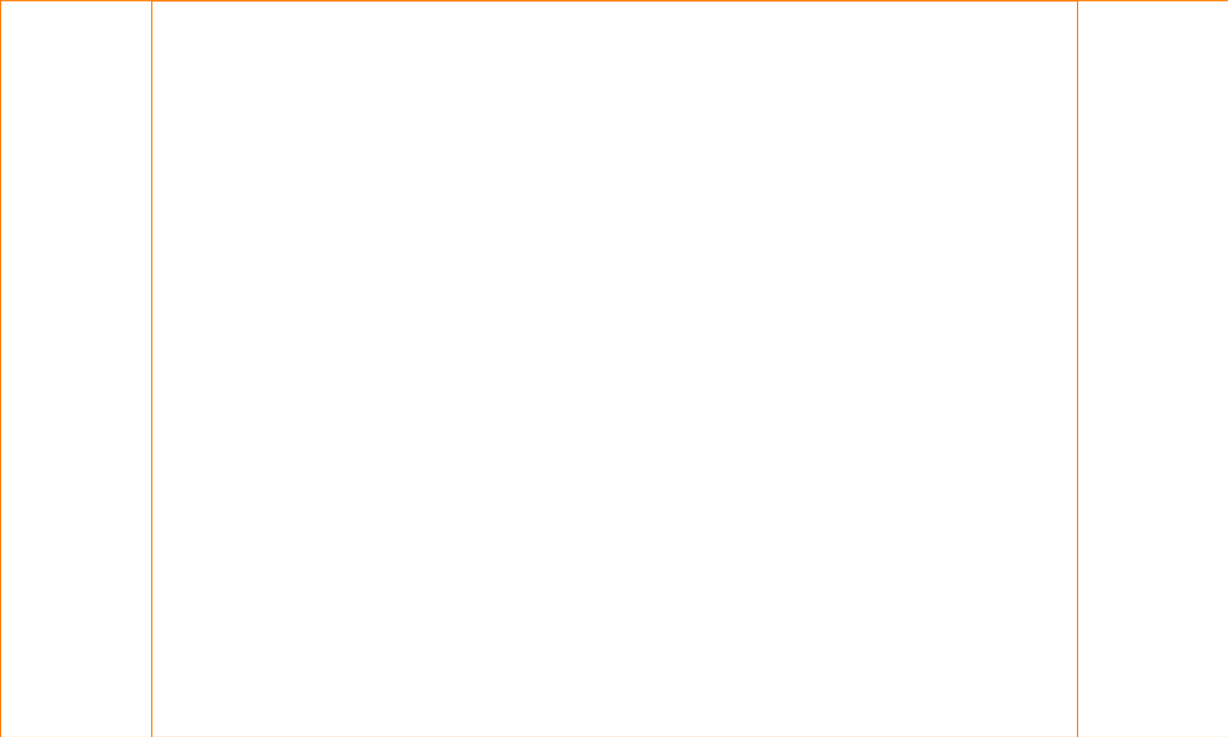
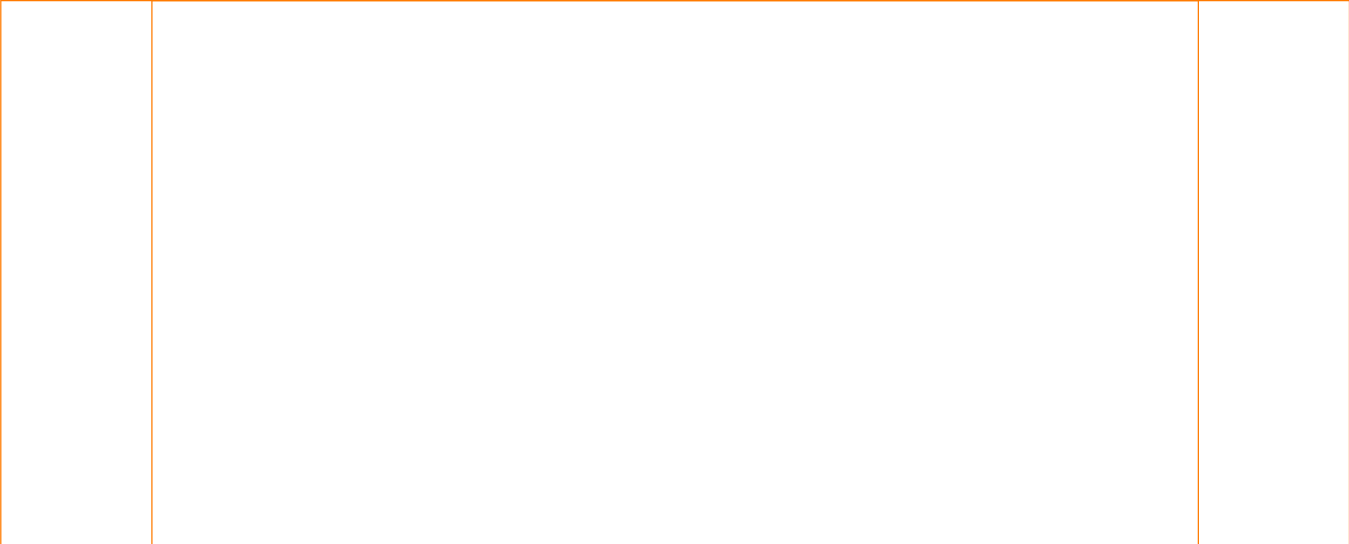
SVG at true size, plus real .lbrn2 and .xs project files. No import-and-rescale, no guessing at DPI. Guides sit on the cut layer so you can switch them off.
Seam overdraw built in
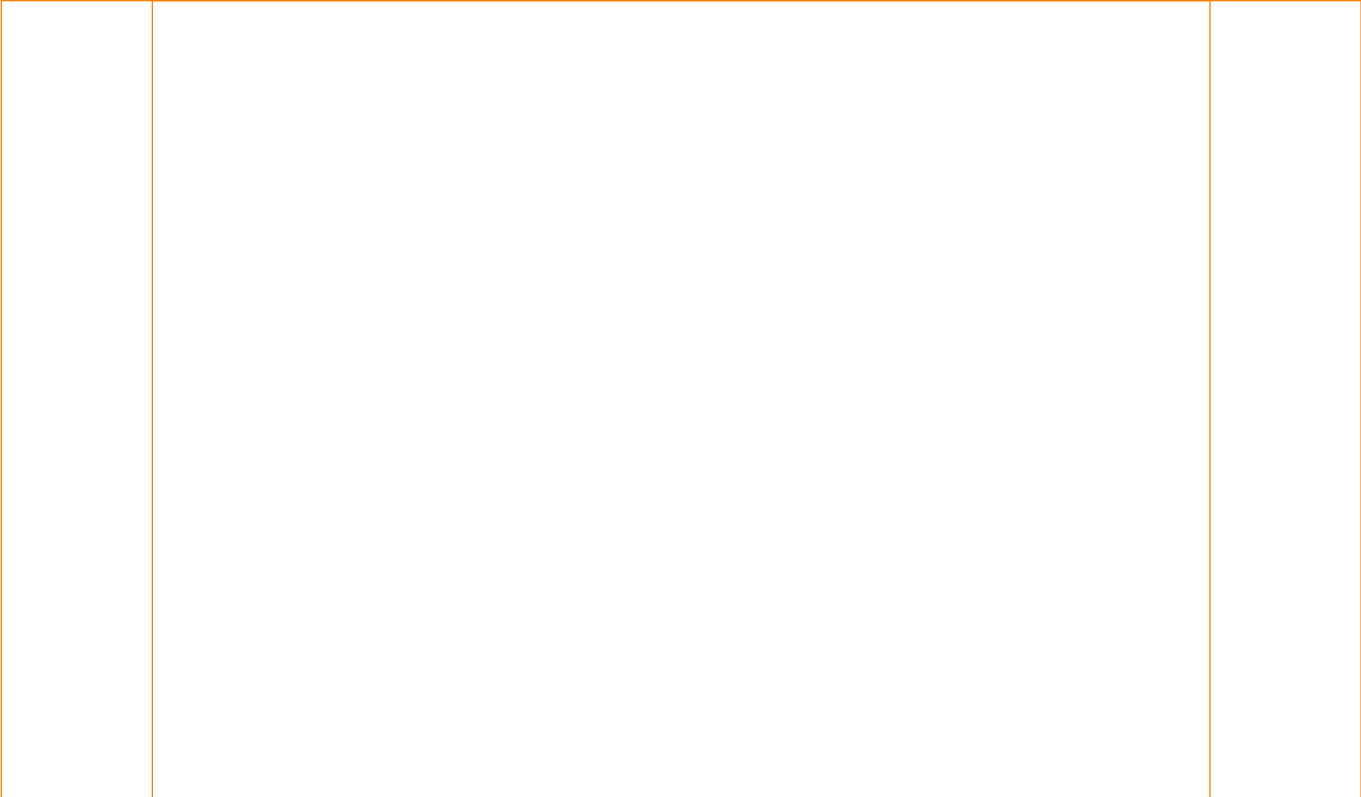
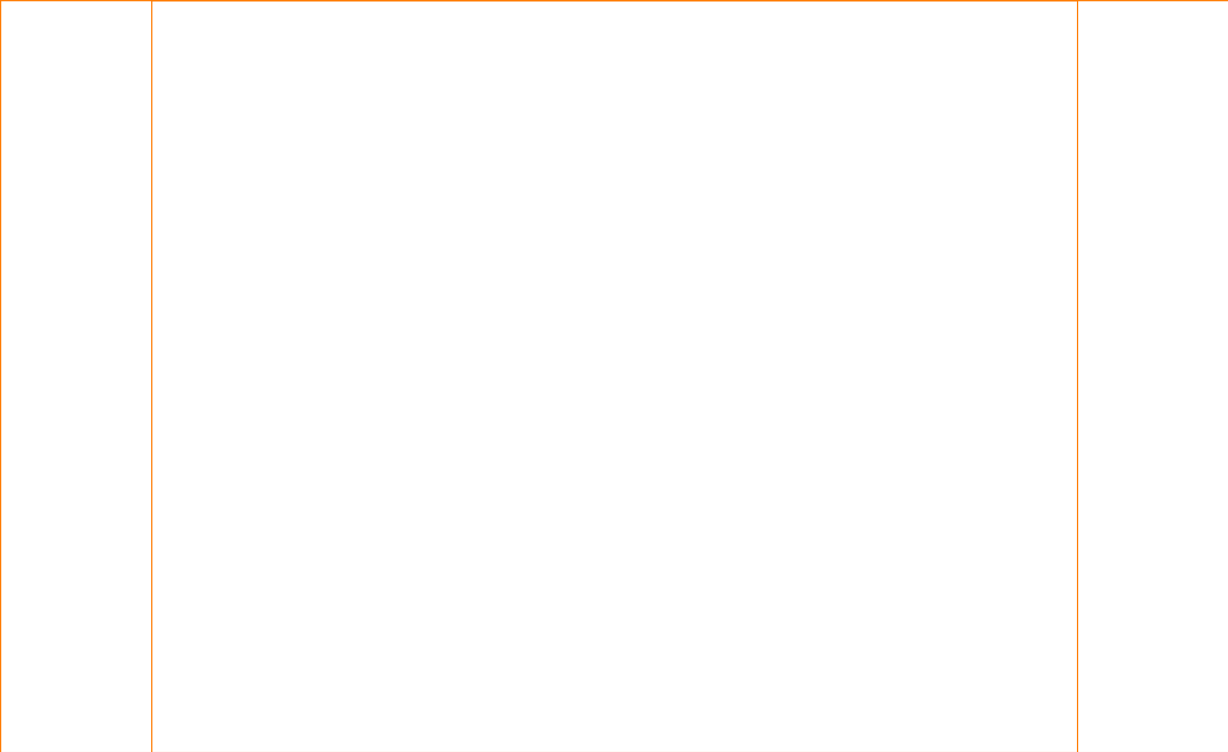
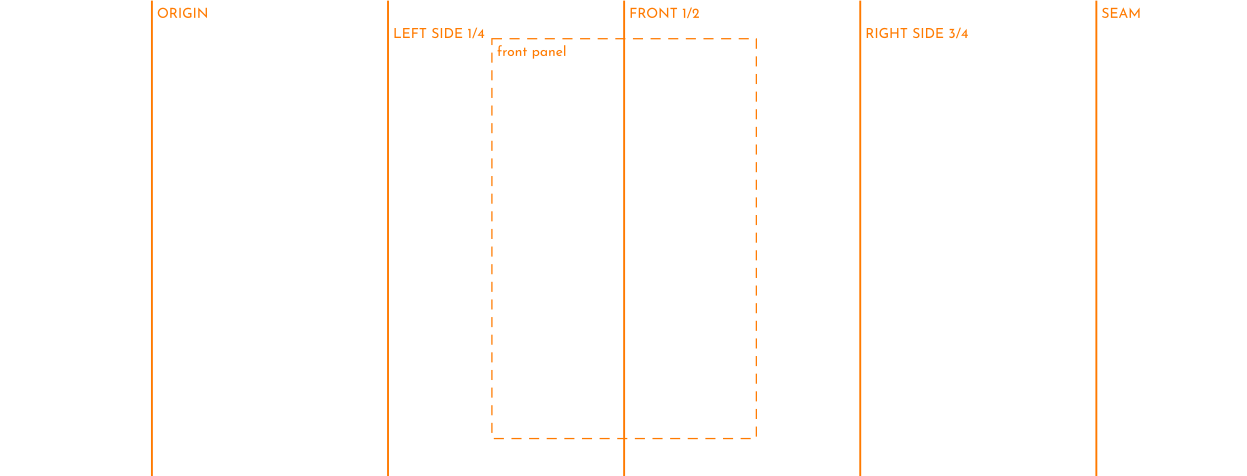
40mm past the seam on each side, so a pattern that runs off the edge comes back around the other side instead of stopping dead.
— where a paper template runs out
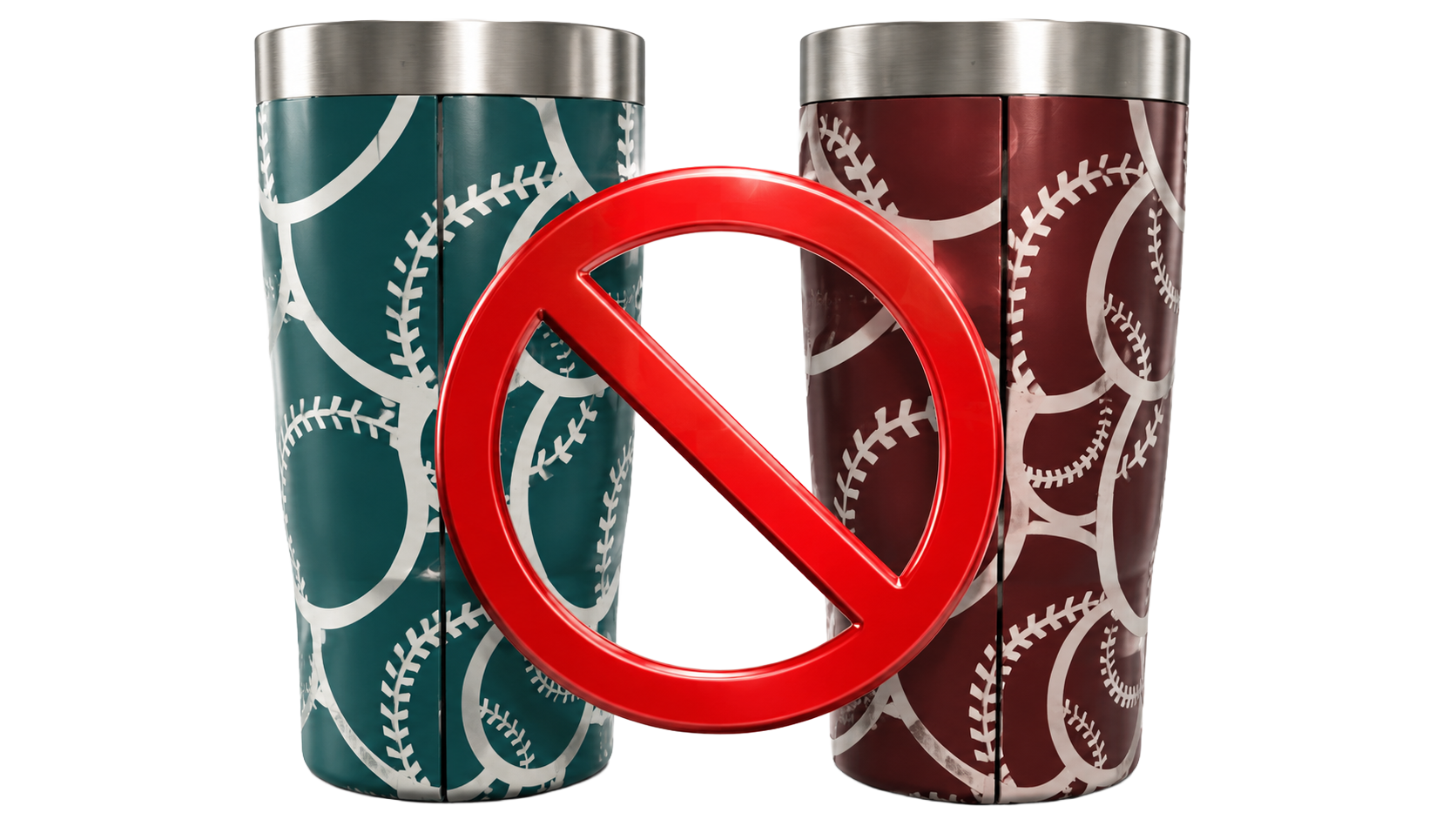
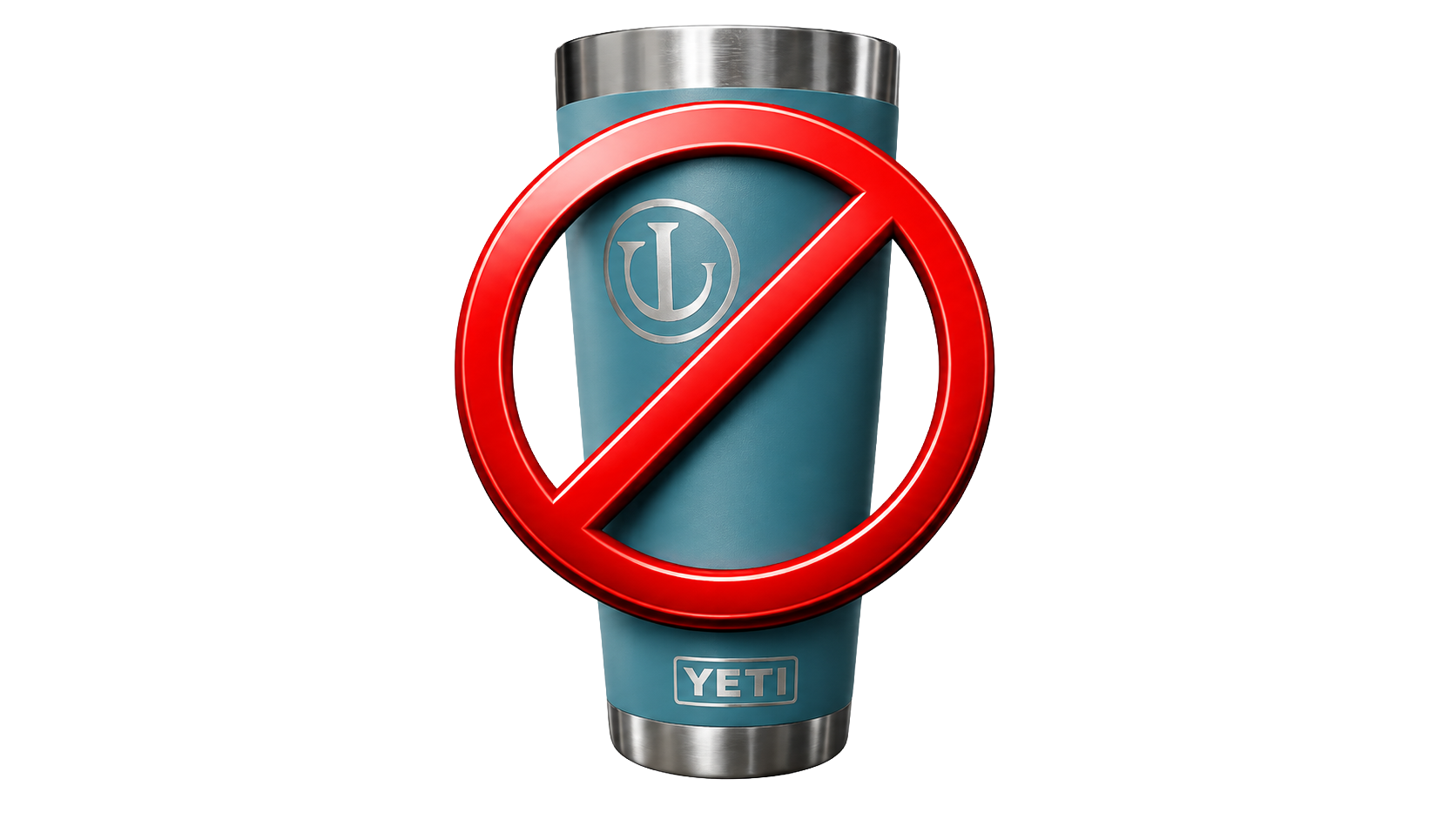
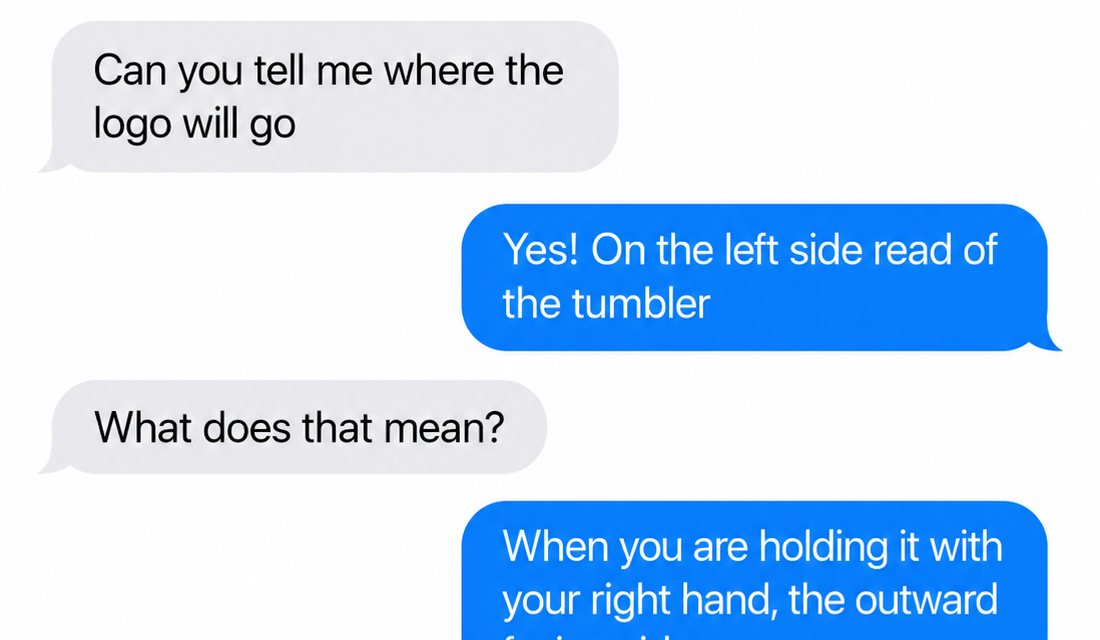
A template gives you the size. It still can’t show you the cup.
You already know this part. You print it, tape it around the blank, eyeball the placement, and find out what you actually made after the laser has already run.
— so we made the template live on the cup
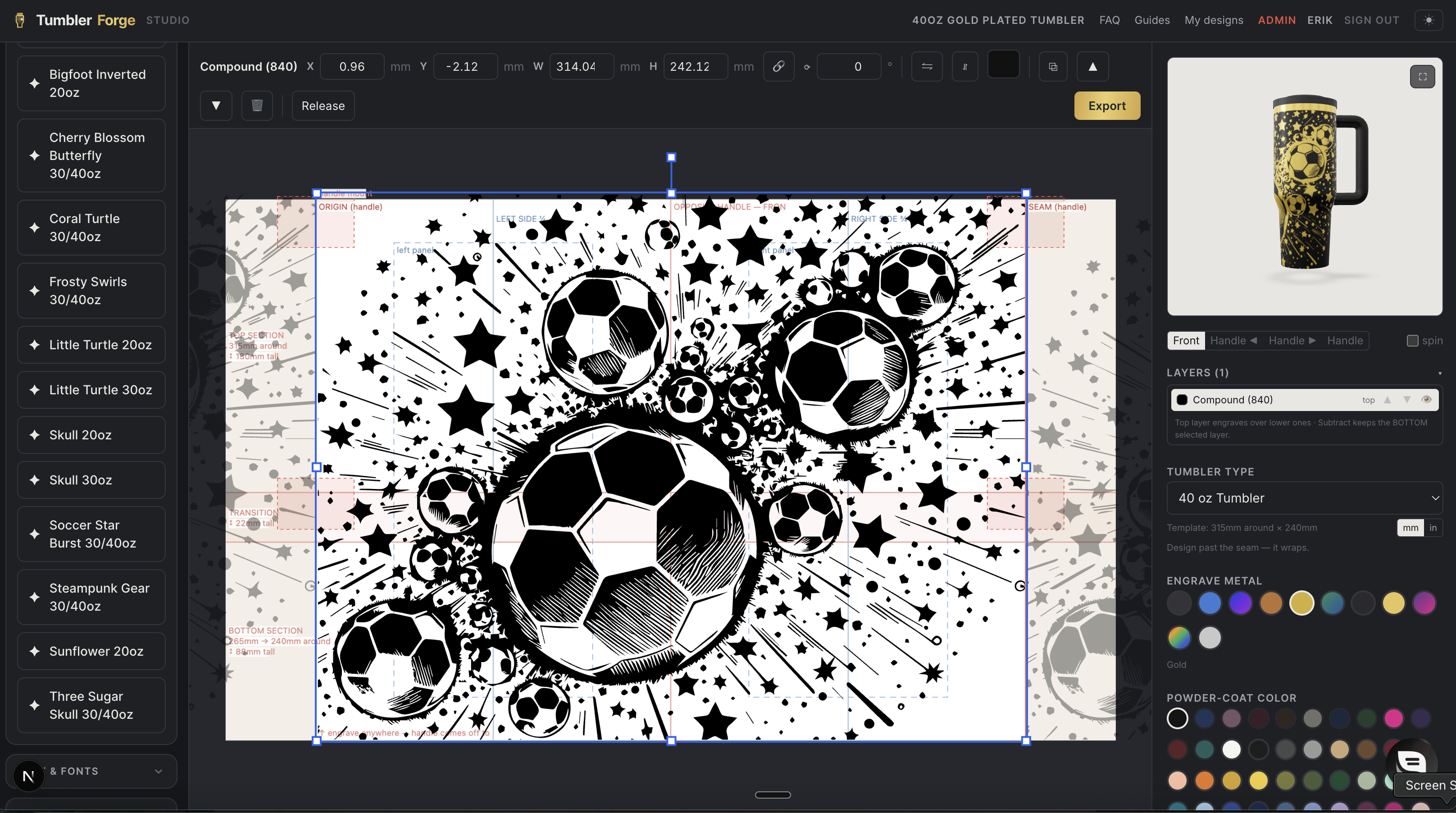
TumblerForge is this template, running.
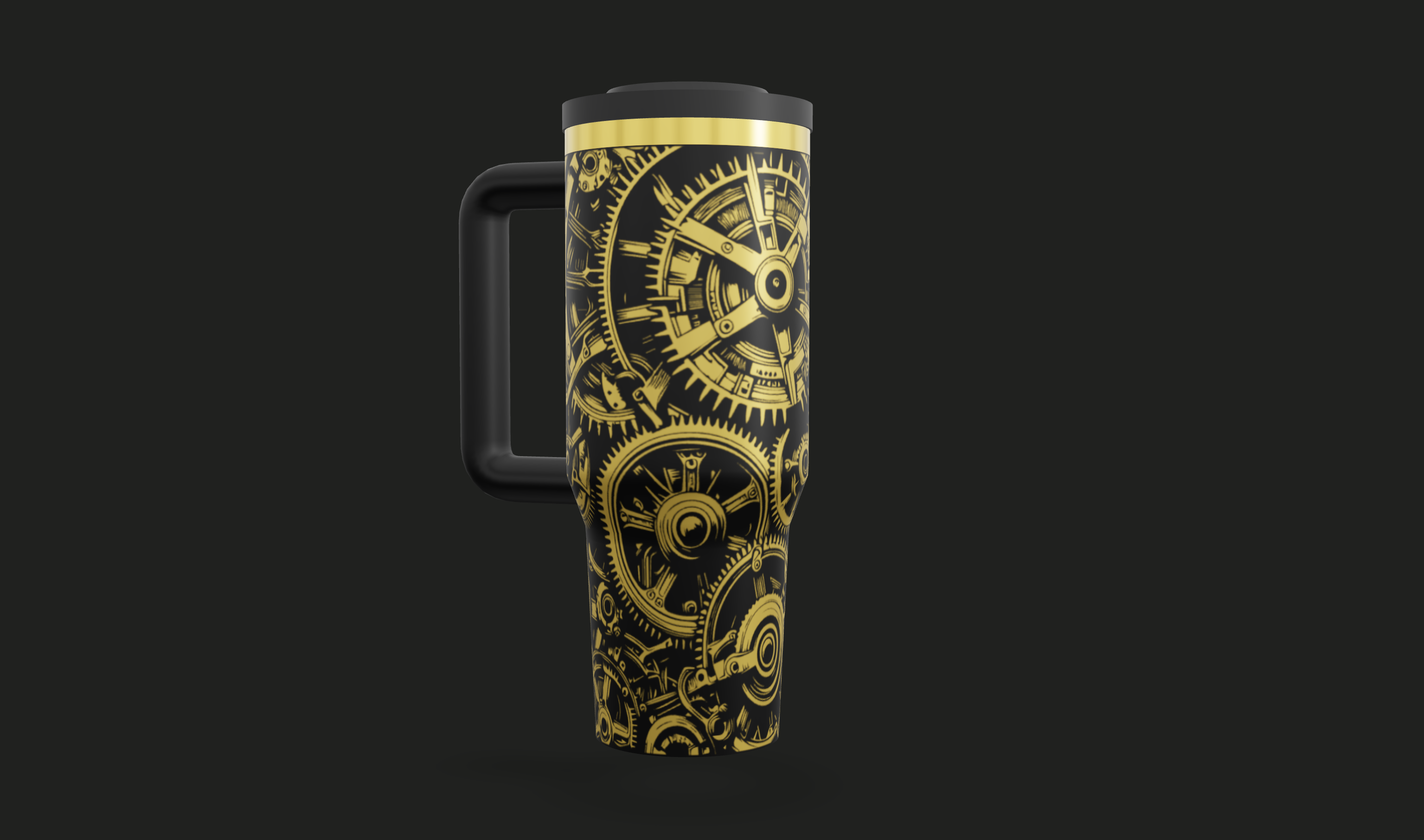
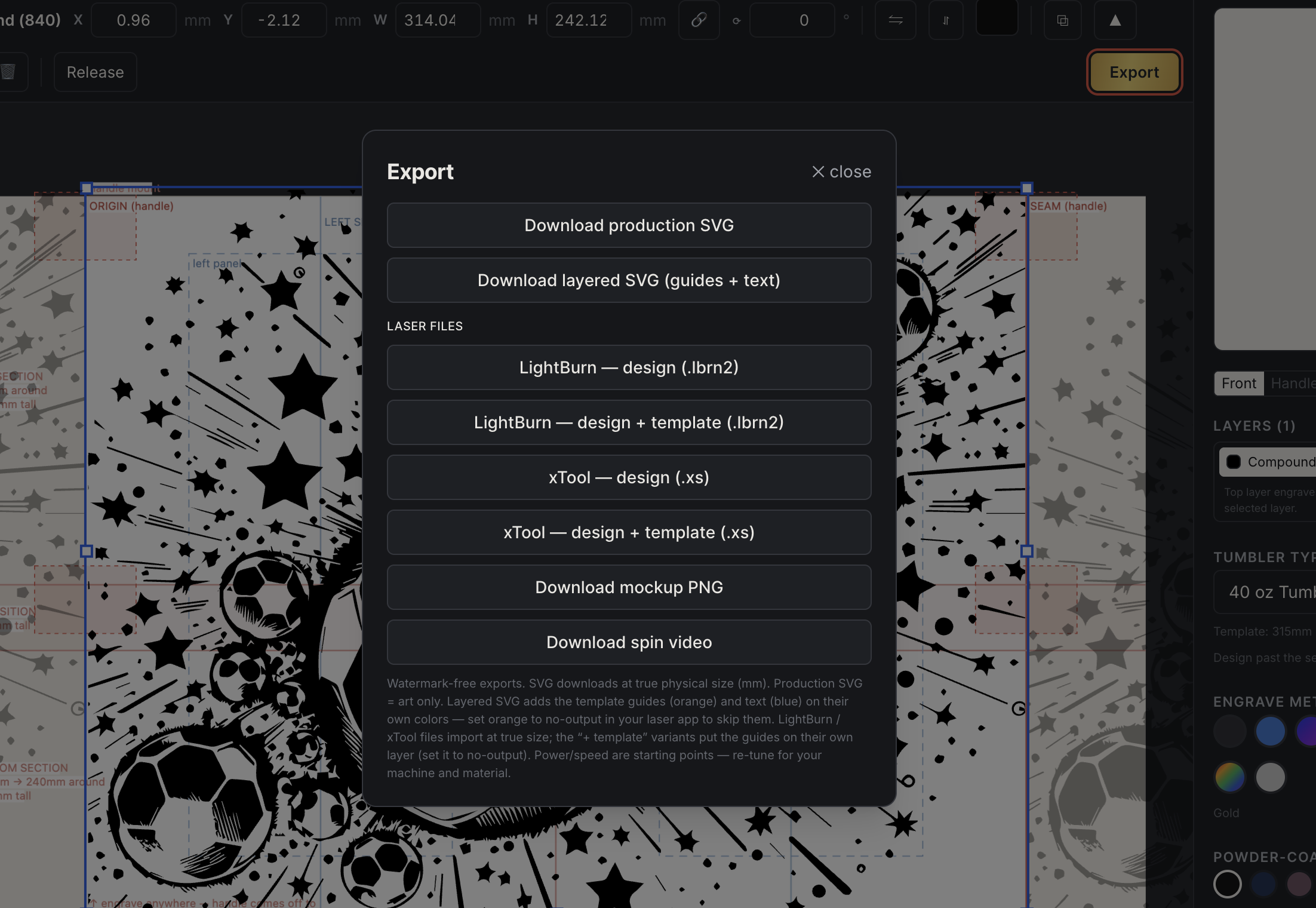
Same measurements, same seams, same taper bands — except the artboard is the template, and every edit engraves onto a spinning 3D cup while you work. The file you just downloaded is literally the artboard you get when you open it.
— with the paper template
- Print it, tape it, mark it up
- Guess how the art crosses the seam
- Mock it up in Photoshop, badly
- Burn a blank to test placement
- Resize everything again at the laser
— with the template running
- Pick the blank, template loads measured
- Design past the seam, watch it wrap
- 3D preview proves it before you burn
- Customer approves a spinning mockup
- Files export at true size, ready to run
— questions