Free
A free Maker Foundry account. No card.
$0forever
- Classic trace, layers, relief, coins, dither
- Every export, unlimited downloads
- 3 free Precision downloads
- 3 free AI previews
Drop in a logo, a photo or a screenshot of one. VectorForge traces it into clean curves and color layers, then hands you LightBurn, xTool, SVG or DXF files at the size you set. No hand tracing. No outsourcing.A logo or photo traced into clean curves and color layers, exported for LightBurn, xTool, SVG or DXF. No hand tracing.
Free account, no card · Hold on the art to look closerFree account, no card · Hold on the art to look closer
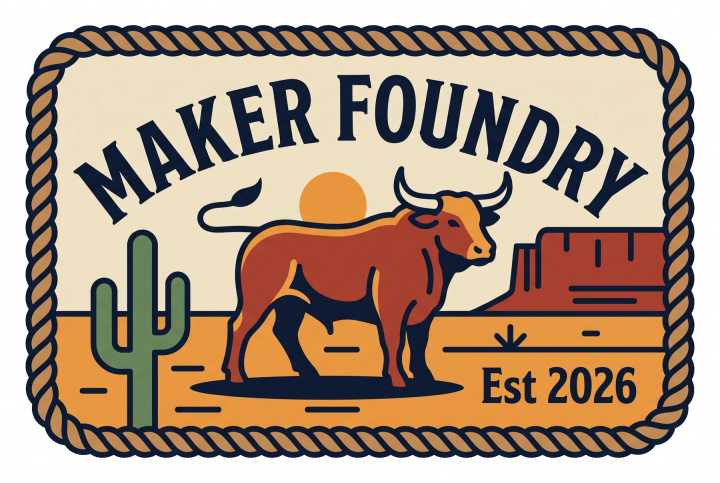

Classic traces in a blink and is free with unlimited downloads. Precision fits true straight lines, arcs and curves to the edge. Choose how many colors to keep and how simple the paths get, and the node count tells you what you are sending to the laser. Grab a control.Classic or Precision, how many colors, how simple the paths. Grab a control.
Precision trace
Auto found 6 colors. True lines, arcs and curves: 11,808 nodes.
Nodes
The same three views the editor gives you. Fill is what engraves. Outlines are the paths the laser follows. Nodes are every point on them. Tap one.Fill is what engraves, outlines are the laser's path, nodes are every point. Tap one.
6 colors · 705 shapes · 11,808 nodes
The real trace of the JPG above.
A color trace comes out as stacked layers. In the LightBurn and xTool files each color is its own engrave layer, with a starting power set from how dark it is. These are the 6 layers the app writes for this art.Each color is its own engrave layer in LightBurn and xTool, power set from how dark it is.
All layers
Filled shapes engrave and outlines cut, so one export carries both. This is the patch's laser version, traced with Precision at 100 by 67 mm: an engrave layer, then a cut around the rope border, the way the .lbrn2 file runs it.Filled shapes engrave, outlines cut. One export carries both.
Also in VectorForge
Make the art with the Patch Designer, dither a photo into dots, trace line art, split tones into power layers, or turn a logo into a 3D relief and a challenge coin. One account, one place. Tap one.Patch Designer, dither, line art, power layers, relief and coins. Tap one.
Your patch, traced
The trace from the top of the page. The rest of the app works on the same board.
Drop in your own image and watch it trace right here, in your browser, with the free Classic engine. Nothing is uploaded. Or pick a sample to see Precision.Trace your own image right here, in your browser. Nothing is uploaded.
Free account, no card. Classic traces and every download are free, forever.
Start freeVectorForge does all of it in one step, and the file it hands you drops straight onto the bed at the right size.
Plenty of tools let you preview for free and charge at the download button. Here the converter and every export are free, with unlimited downloads. You pay for Precision and for AI, and nothing else.
All in one browser tab. No Illustrator, no saving out and loading back in.
Drop an image, paste it from the clipboard, or upload an SVG.
Pick a mode: trace, power layers, relief and coins, or dither. Tune it with a live preview.
Set the real-world size, then download for LightBurn, xTool, SVG or DXF. Burn.
Diode, CO2 and fiber. Every mode is in the same editor, on the same image.
Start freeAny image into clean black and white line art or color layers. No hand tracing, no outsourcing.
Fits true straight lines, arcs and smooth curves to the edge. Corners, symmetry and colors you can edit after the trace.
Splits the tones into stacked, color-coded layers, each one engraved at its own power.
A photo or logo into a grayscale heightmap. One toggle makes a round challenge coin with rim text.
Seven dithering algorithms turn a photo into clean dots for laser photo engraving.
A messy photo redrawn into clean, traceable art, or new art from a text prompt.
Describe a patch or upload a logo. Production-ready art for laser or UV, 19 cut shapes, 69 surface styles.
Open the Patch DesignerLightBurn and xTool projects, SVG, PDF, EPS, DXF and PNG, at real millimeter sizes. Mirror, cut or engrave, background removal.
Hat Patch Designer · inside VectorForge
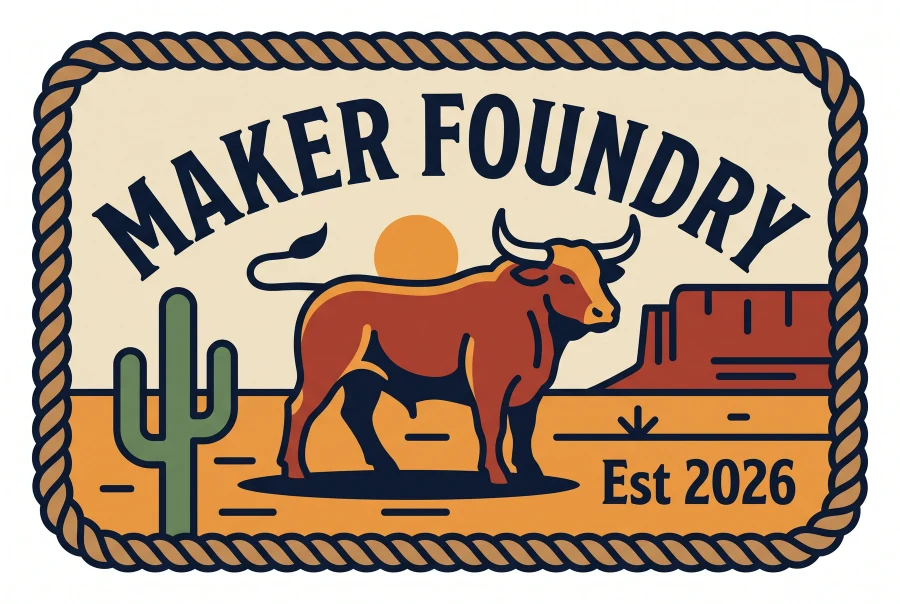
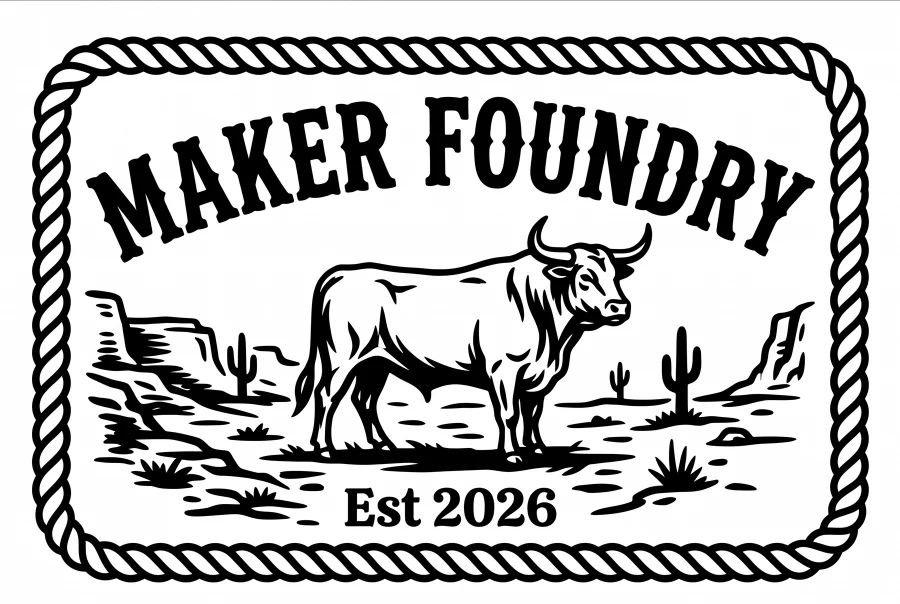
Describe the patch or upload a logo and the Patch Designer draws production-ready artwork: black and white for laser, full color for UV. Every image on this page started there.
AI cleanup · credits
A blurry photo or a phone snap of a sign: AI cleanup redraws it into clean art VectorForge can trace, or makes new art from a text prompt. It costs 1 credit an image and 0.2 to try the same one again. A free account gets 3 previews to see it work.
Start on the free account and keep everything you make. Go Pro when you want Precision without limits, or get every Forge app with FoundryPass.
A free Maker Foundry account. No card.
$0forever
Precision without limits, plus AI credits.
$9/month
$6.58 a month, billed yearly. Save 27%.
$79/year
VectorForge Pro has no trial of its own: the free account is the trial, with no time limit. Precision never uses AI credits. The monthly AI credits top back up to the allowance each month; they do not stack.
Credit packs · no subscription
Packs are for AI cleanup, image from text and the Patch Designer. Pro and FoundryPass members pay 35% less.
No risk
The free account never runs out: Classic traces and every download, as many as you like, plus 3 Precision downloads and 3 AI previews to see the rest. Want the lot? FoundryPass has a 7-day free trial with VectorForge Pro and its 40 AI credits inside. Cancel before it ends and you pay nothing.
Start freeVectorForge is one of the Maker Foundry apps. FoundryPass unlocks every one of them, VectorForge Pro included, with a single membership.
 ToneSmithDTF/DTG halftones + Photoshop plugin
7-day free trial on monthly and annual · cancel anytime · the Master Key is one payment, final sale.
No. VectorForge does the tracing, the layer separation, the dithering, the relief and the background removal for you, in the browser.
Yes. You get native LightBurn (.lbrn2) and xTool (.xs) projects with the engrave and cut layers already separated, plus SVG, PDF, EPS, DXF and PNG, at the size you set.
Classic trace, power layers, relief, coins, dither, background removal and every export are free, with unlimited downloads. Precision trace gives a free account 3 downloads, then it is part of Pro. Credits are only for AI: AI cleanup and image from text (1 credit an image, 0.2 to retry it) and the Patch Designer (1 credit Standard, 2 Premium). Precision never uses credits.
Classic traces in the browser in a blink and is free. Precision fits real straight lines, arcs and curves to the edge, and lets you edit corners, symmetry and colors. Try it on any image; a free account can download 3 Precision traces.
Yes, a free Maker Foundry account, the same one every Forge app uses. No card.
Classic trace, layers, dither, relief and background removal run in your browser and nothing is uploaded. Precision trace and the AI tools send the image to our servers to work on it. A Precision upload is kept for a day; your designs are only saved to the cloud if you save them.
VectorForge Pro has no trial of its own, because the free account already covers the converter. FoundryPass, which includes Pro, has a 7-day free trial with the full 40 AI credits.
Turn your next image into laser-ready files.
Free forever, no card · Pro $9 a month or $79 a year · or in the FoundryPass
— more from VectorForge
Free tools, libraries and guides — most of it works before you pay for anything.