Monthly
Full builder, no commitment.
$12/month
- Every builder and material
- Live hat mockups
- Gang sheets and DXF export
- Client proof links
Upload art, trace clean cut lines, pick a material, and see it on a real hat. Then export print-and-cut files.
Upload a PNG or SVG, remove the background right in the browser, and PatchForge traces a clean cut line around the art.
Dome, shield, hexagon, badge, crest, ticket, or a die-cut around the art. Have your own cut line? Upload it.
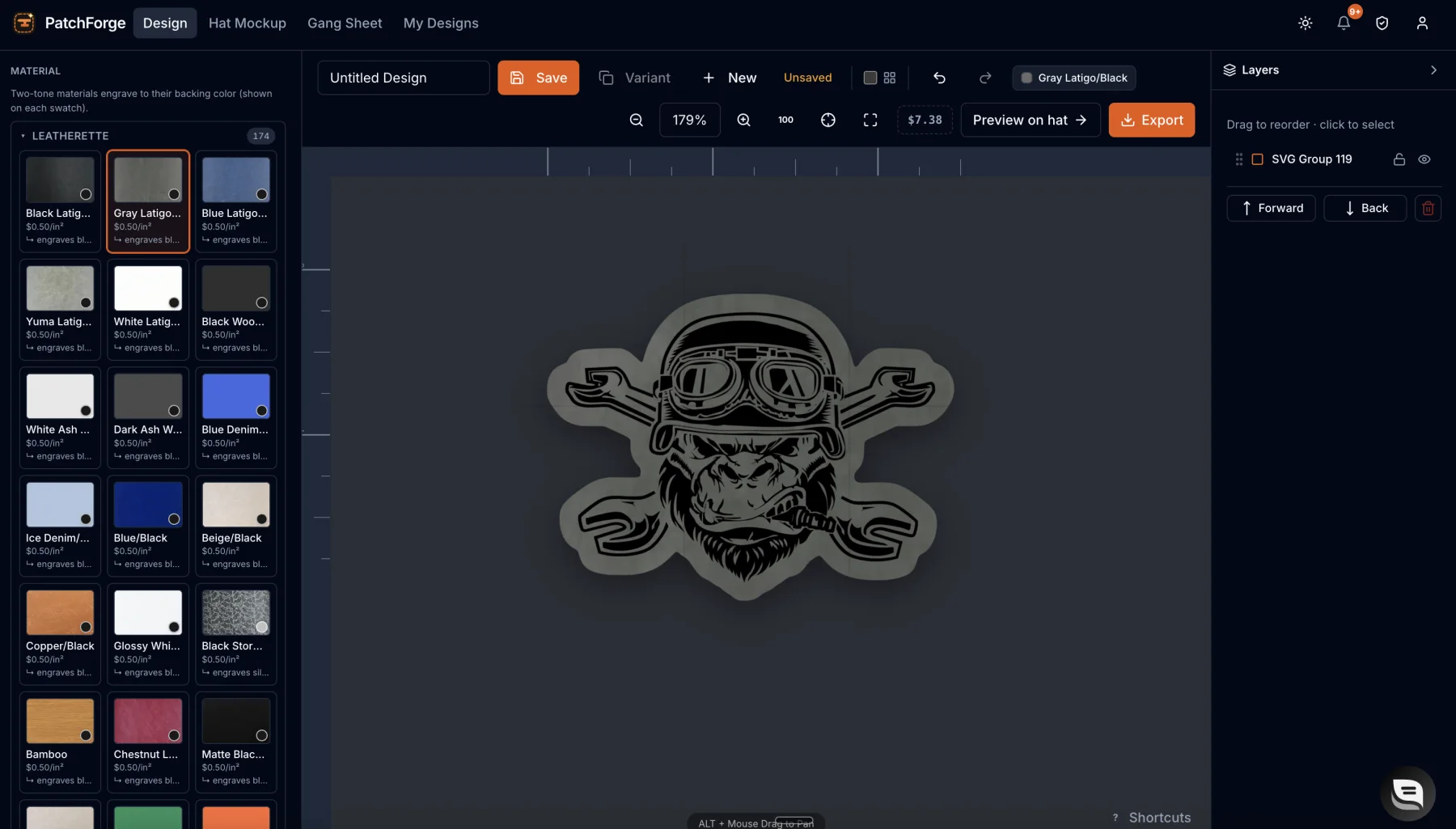
Two-tone materials engrave to their backing color for a clean tonal look. Pick from 170+ engrave-ready materials, priced by the square inch.
UV print full-color art on leather, leatherette, vinyl, or acrylic. Registration marks keep the print and the cut lined up, so every patch comes off the sheet clean.
PatchForge sets the offset around your art, so the file you export is one your laser can run.
Your exact patch at true size, on the hat, so the customer sees what they are buying before anything gets cut.
Richardson 112 in Loden
Real product photos, not drawings. Your patch lands on every one, front and back, then goes out as a proof link your customer can approve.
Pack a full production sheet with registration marks, then export print-ready sheets and DXF cut files for your printer, laser, or cutter.
The three surfaces you will live in: patch builder, hat mockups, and gang sheets.
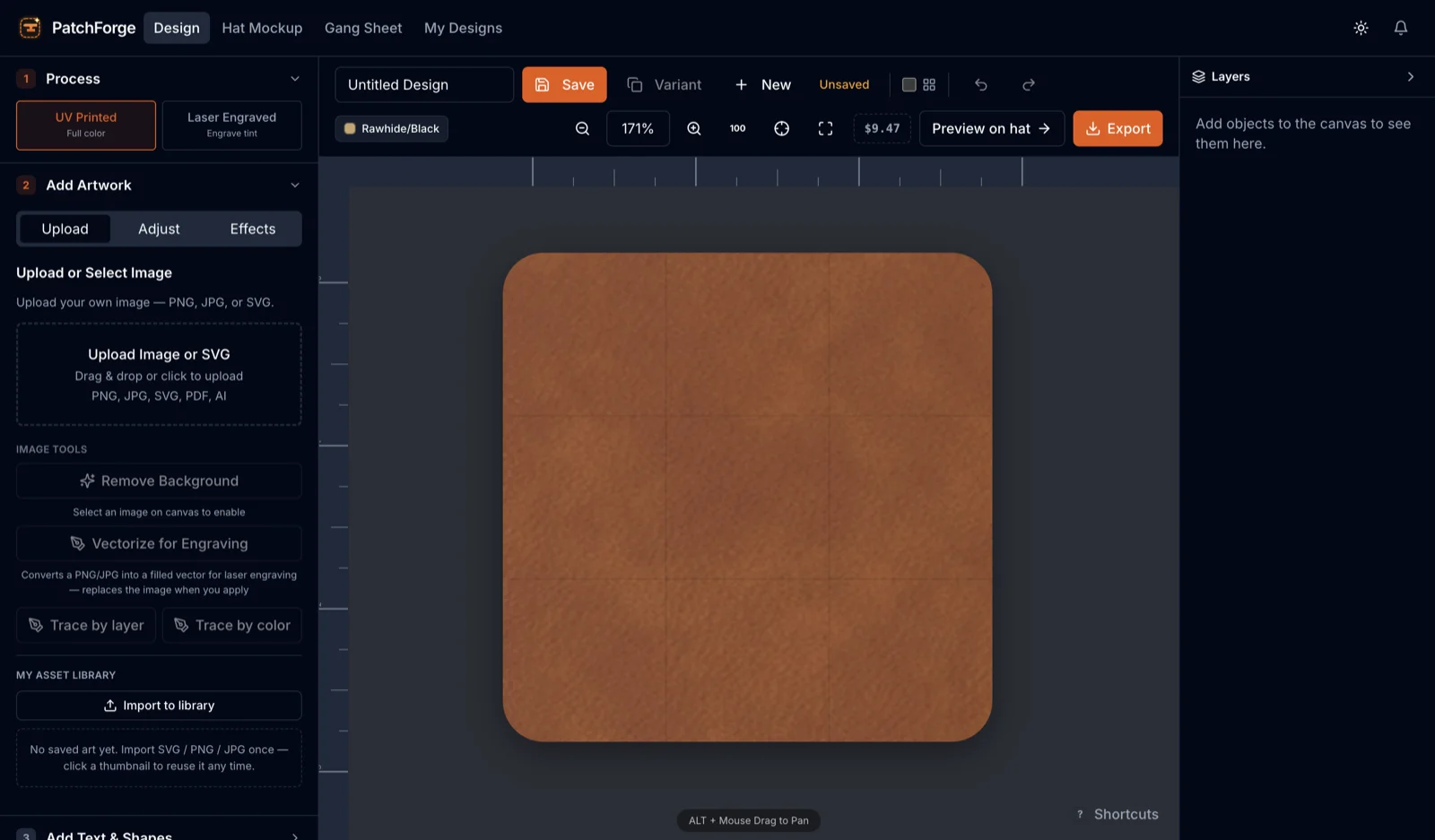
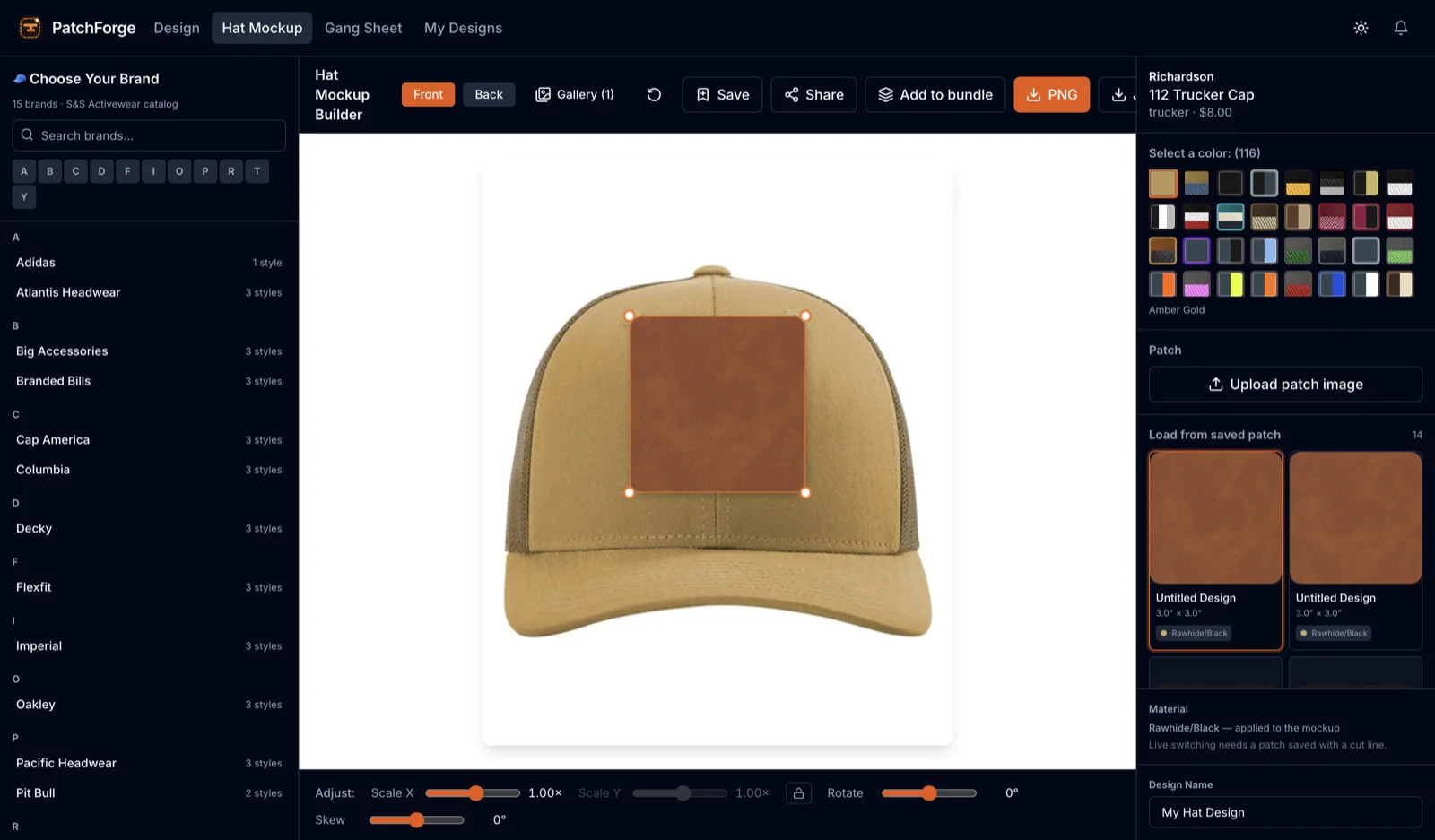
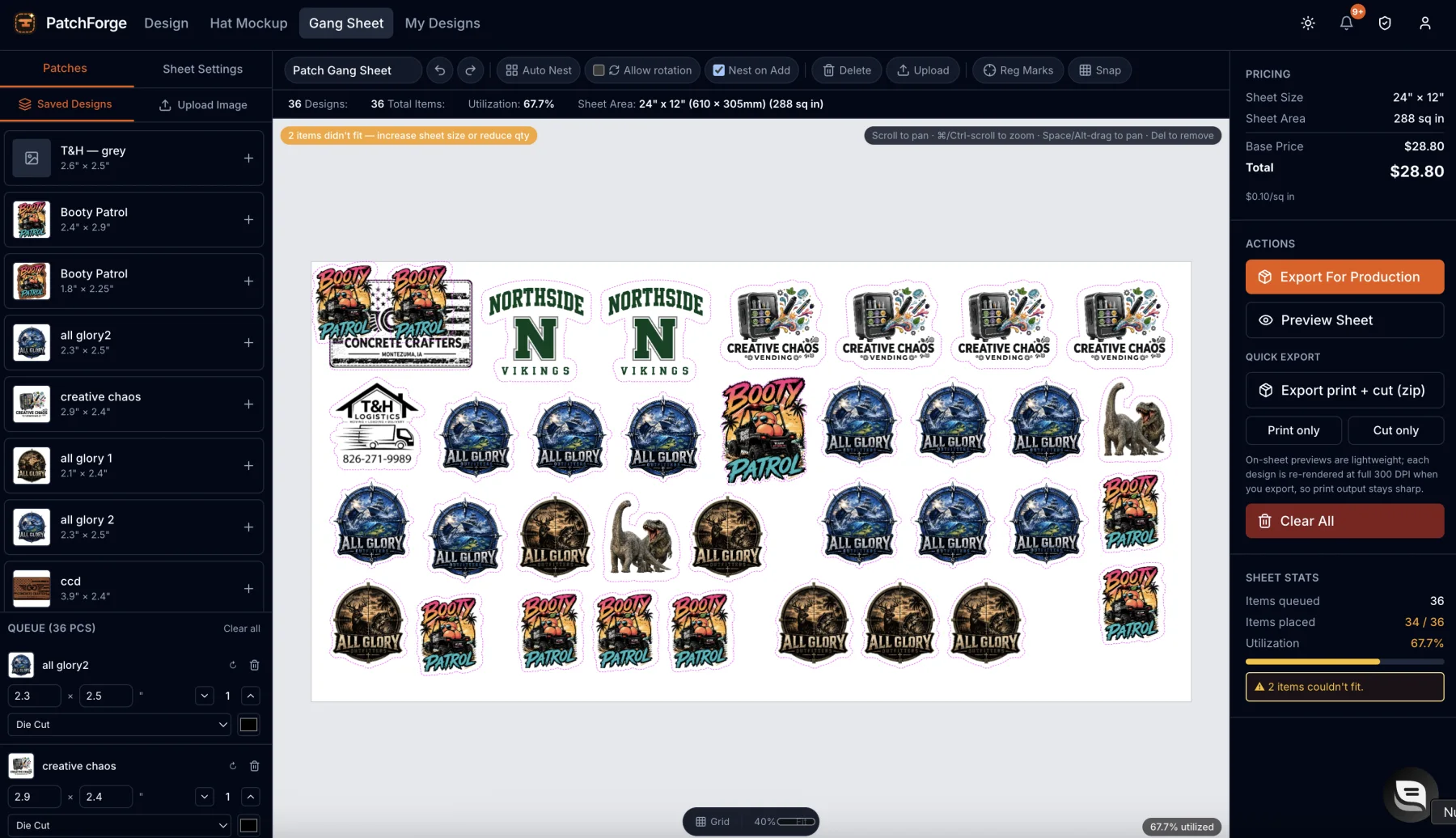
Everything happens in one browser tab. No installs, no plugin stack, no re-drawing.
Drop in a PNG or SVG. Remove the background right in the browser, with no round-trip to another app.
Auto-generate clean cut lines and contours, choose a shape, pick leather, vinyl, or acrylic, and set UV print or laser engrave.
Drop your patch onto a real hat mockup so the customer sees the finished product before they pay.
Send a print-ready sheet plus cut files, including DXF, straight to your printer, laser, or cutter.
One workspace that covers the whole job, from art to approval to production file.
Start free trialSVG tracing and one-click contour offset turn any logo into a clean, cuttable outline you can trust.
Leather, leatherette, vinyl, and acrylic swatches with the right look for UV print or laser engrave.
Knock out the background from a customer photo or logo without leaving the builder.
Pack multiple patches onto one sheet with registration marks made for print-and-cut workflows.
Preview patches on real hat styles so the design decision is made before a single sheet is printed.
Print-ready sheets plus cut files including DXF, the formats your laser and cutter already speak.
Share a clean proof link so customers approve the exact patch before it goes into production.
Design at true size with accurate measurements, so what leaves the machine is what you drew.
Switch between UV print and laser engrave on the same patch. The cut line and price come along automatically.
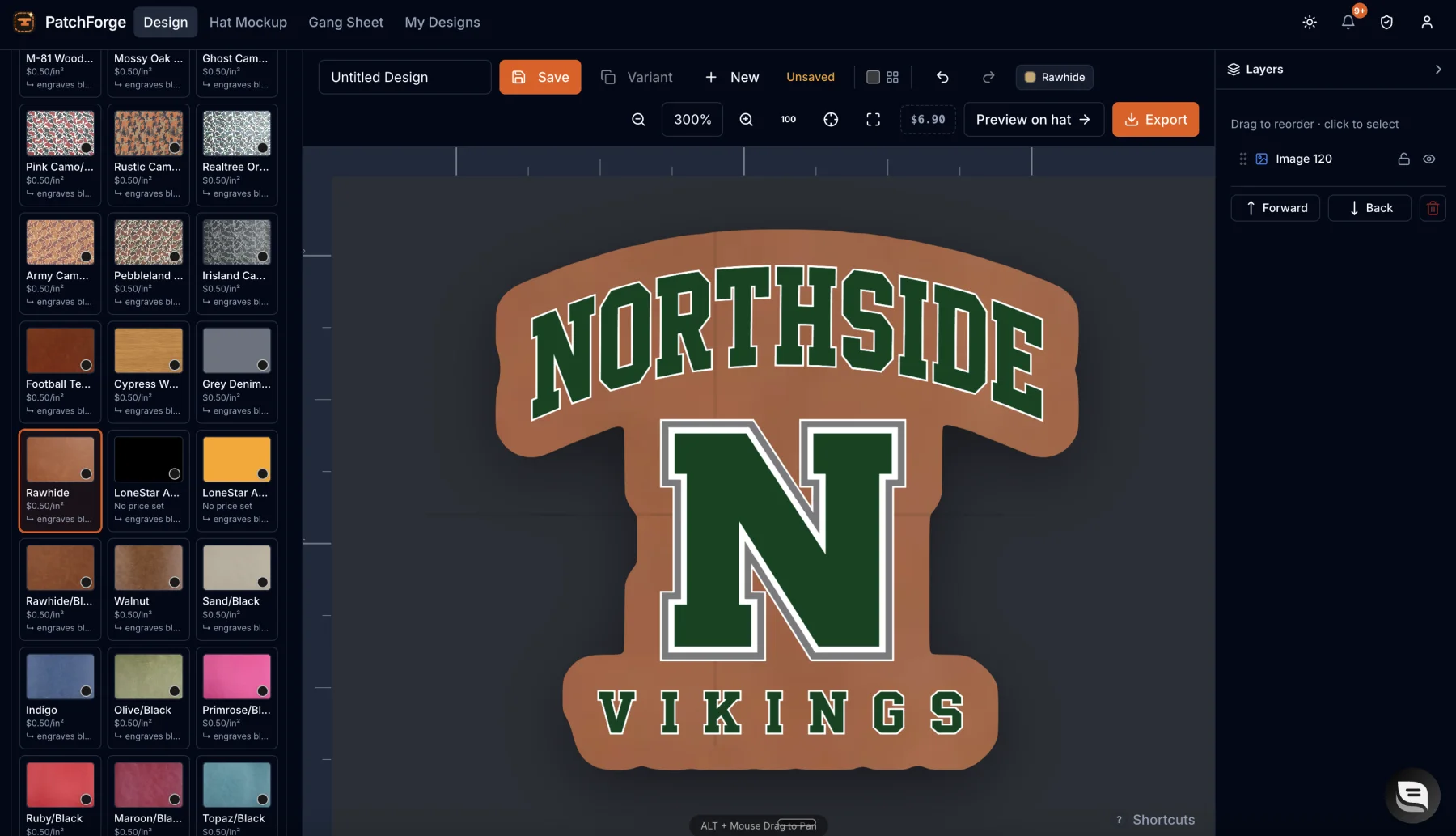
Most patch tooling was built for engineers, not makers. So a five-minute design turns into an afternoon of tracing, exporting, guessing, and redoing.
Built for the people who make patches: hat makers, patch and embroidery shops, laser engravers, UV print shops, and Etsy and Shopify sellers.
Hat bars, laser shops, and sellers who stopped fighting their design tools.
“We run a hat bar at weekend markets, customer picks a blank, picks a design, and I mock the patch on their exact hat while they watch. Add-on patch sales roughly doubled the first month.”
“The cut file just runs. I export for my laser, drop it in, and the cut follows the patch exactly, no re-tracing, no test cuts, no scrap pile of leatherette.”
“Listing photos used to mean a whole afternoon with a camera. Now I mock one design across a dozen hat colors and my Etsy listings are up the same day.”
“Gang sheets with registration marks made print-and-cut boring, in the best way. We batch a full sheet of patches and everything lines up on the first pass.”
“I send the proof link, the customer taps approve on their phone, and production starts. No more 'wait, I pictured it bigger' after the patch is already cut.”
“I replaced Illustrator, Photoshop, and two plugins with one browser tab. My part-timer learned the whole flow in an afternoon, that alone paid for the year.”
Every plan unlocks the full builder. No per-export fees, no seat games.
Full builder, no commitment.
$12/month
Two months free compared with monthly.
$120/year
Pay once. Use it forever.
$199once
7-day free trial on monthly and yearly. No card charged until day 8. Cancel in one click. Lifetime is a one-time payment, charged today, and a final sale, so try the free trial first.
Use the full builder for 7 days before you pay a cent. If it is not saving you time, cancel in one click. No emails, no phone calls, no hard feelings.
Leather and leatherette, vinyl, and acrylic. Pick the material and PatchForge sets up the right look for either UV printing or laser engraving.
Laser engraving burns the design into materials like leather for a classic, tonal look. UV printing lays down full-color art on top. PatchForge lets you switch between the two on the same design.
No. Upload a logo, remove the background, and let auto-tracing build your cut lines. If you can drag a file into a browser, you can make a patch.
Print-ready sheets for UV, plus vector cut files including DXF for lasers and cutters, with registration marks for print-and-cut jobs.
Your first 7 days are free. Cancel any time before then and you are never charged. After that you can cancel in one click from your account and keep access through the period you paid for. Lifetime is a final sale.
Yes. Your uploads and designs are yours. We do not sell your art or use it to train anything, and background removal runs right in your browser.
Start free, design a real patch in minutes, and send a proof your customer can approve before lunch.
Start free trial7-day free trial · Cancel anytime · Sign in with Google
— more from PatchForge
Free tools, libraries and guides — most of it works before you pay for anything.